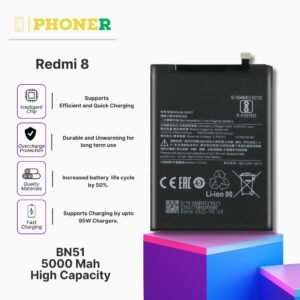
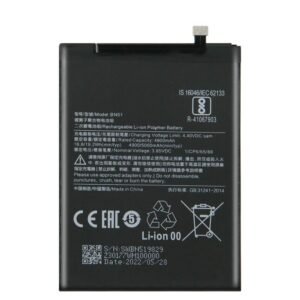
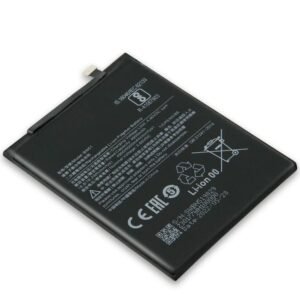
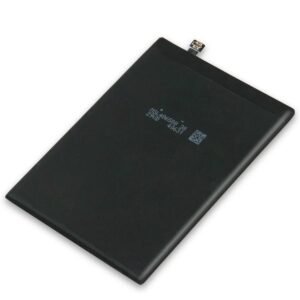
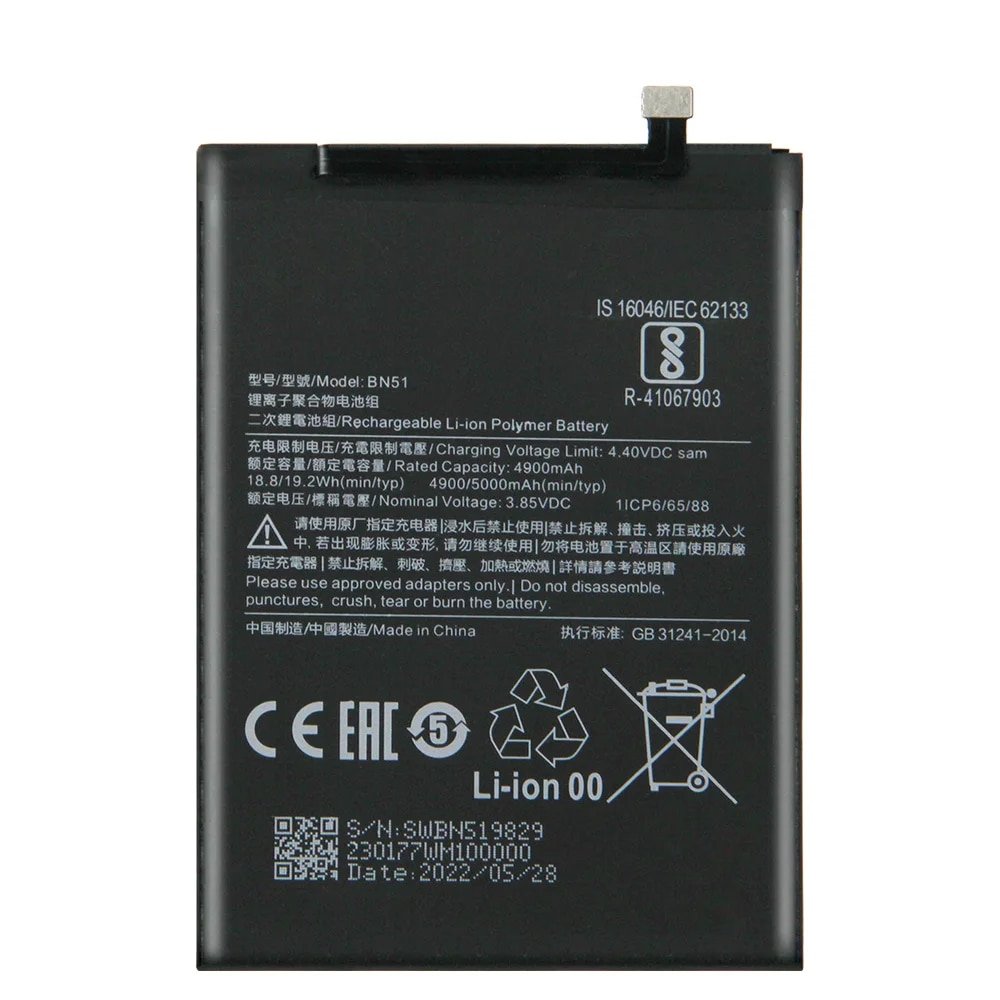
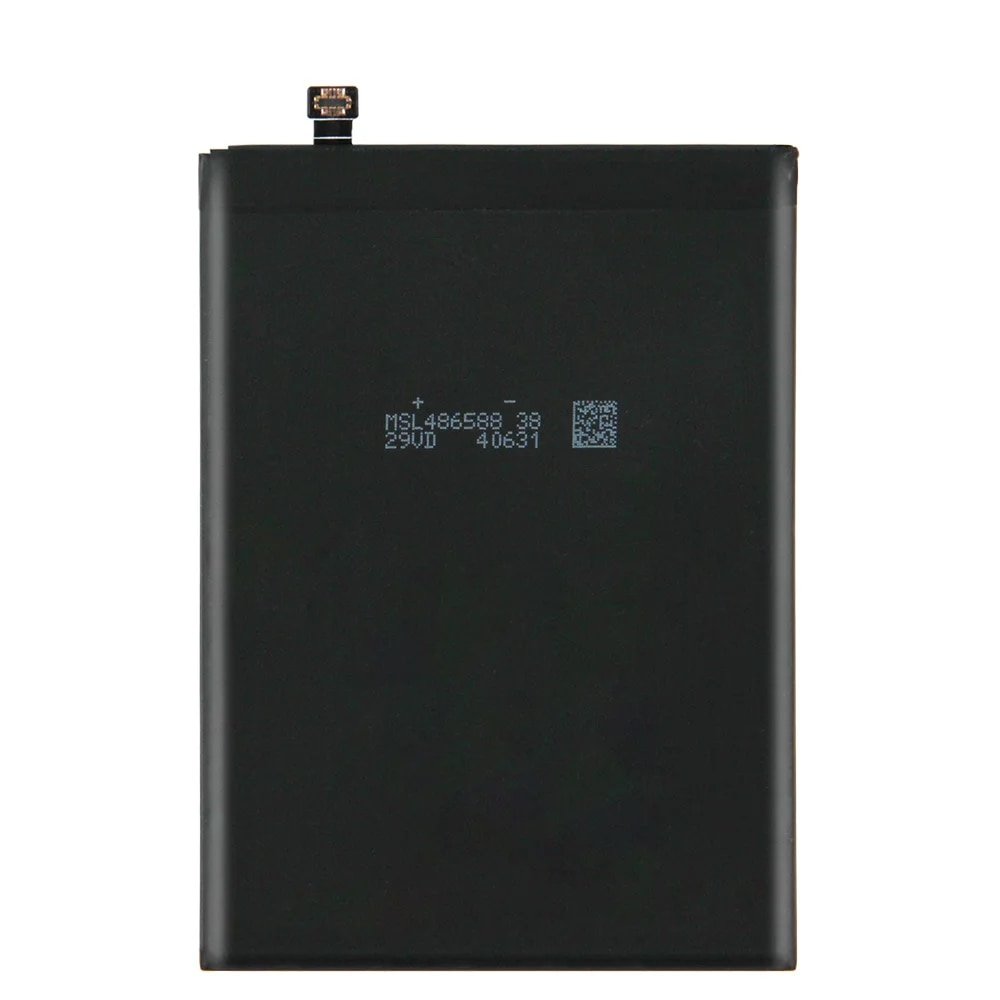
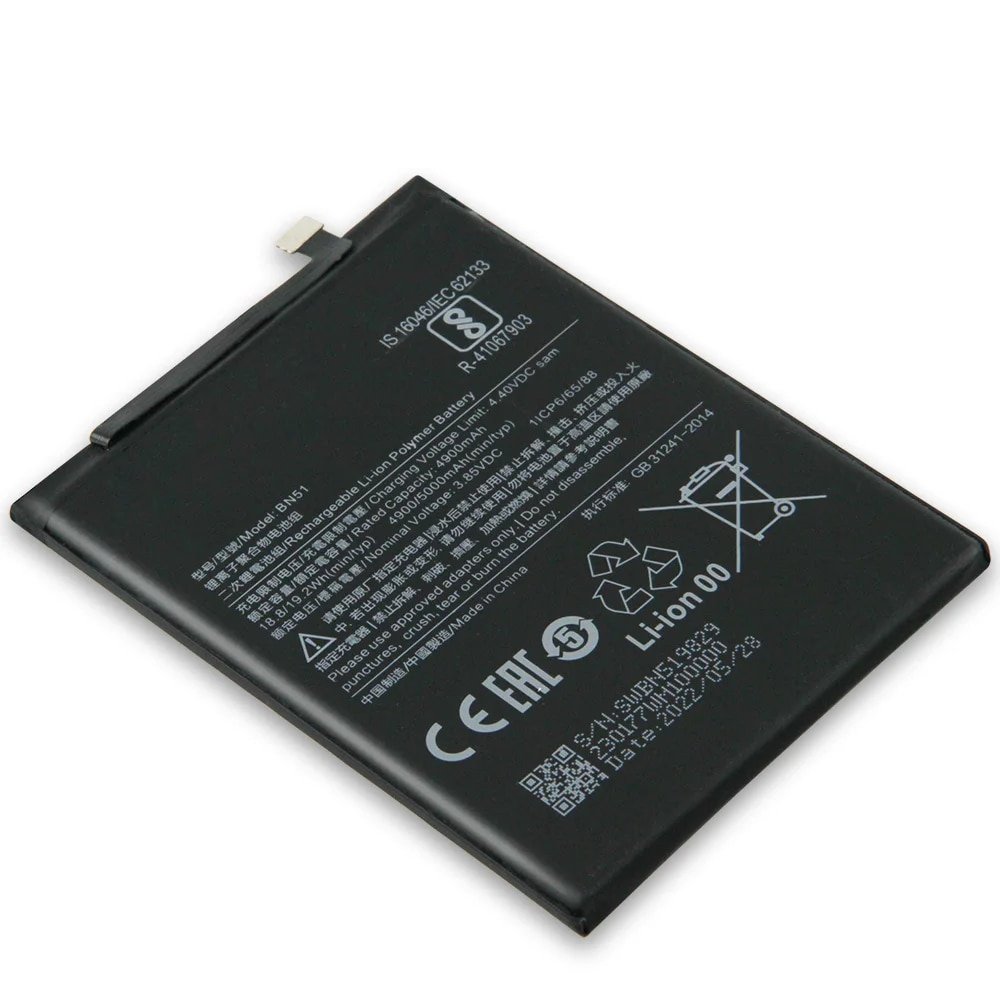
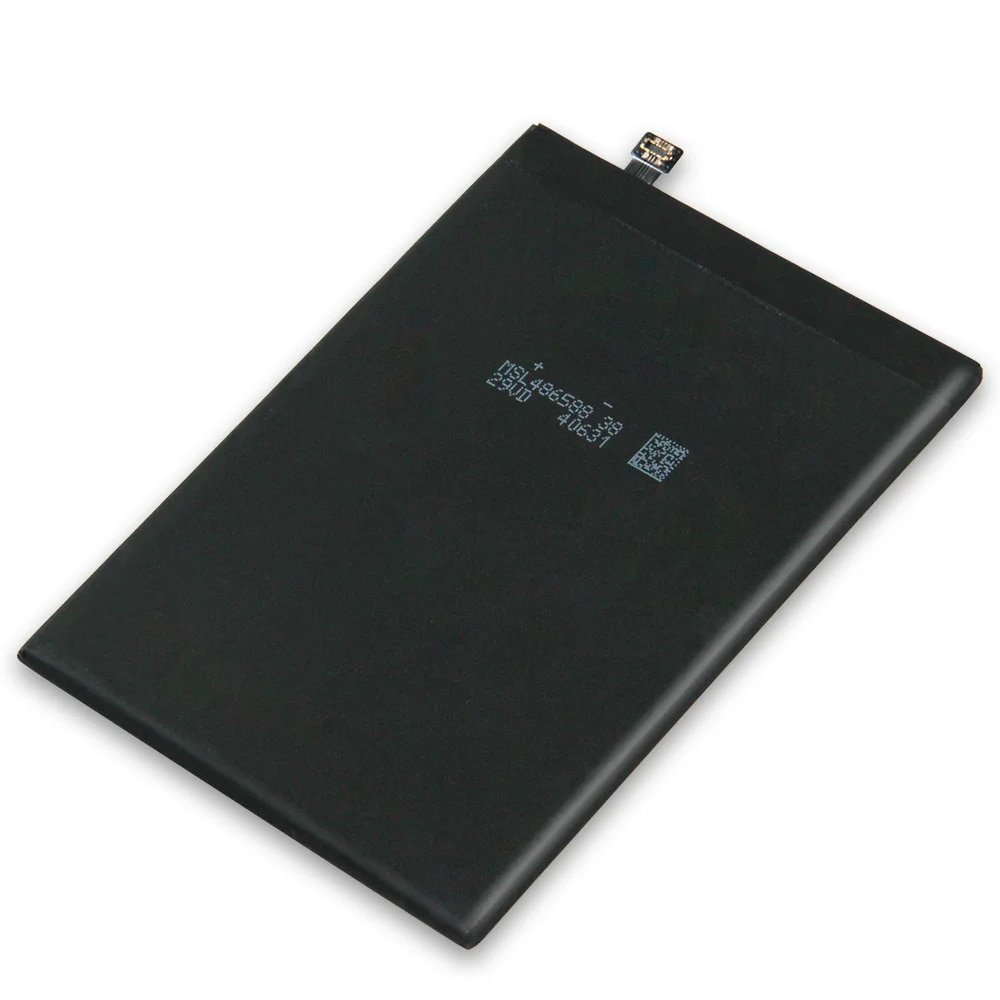
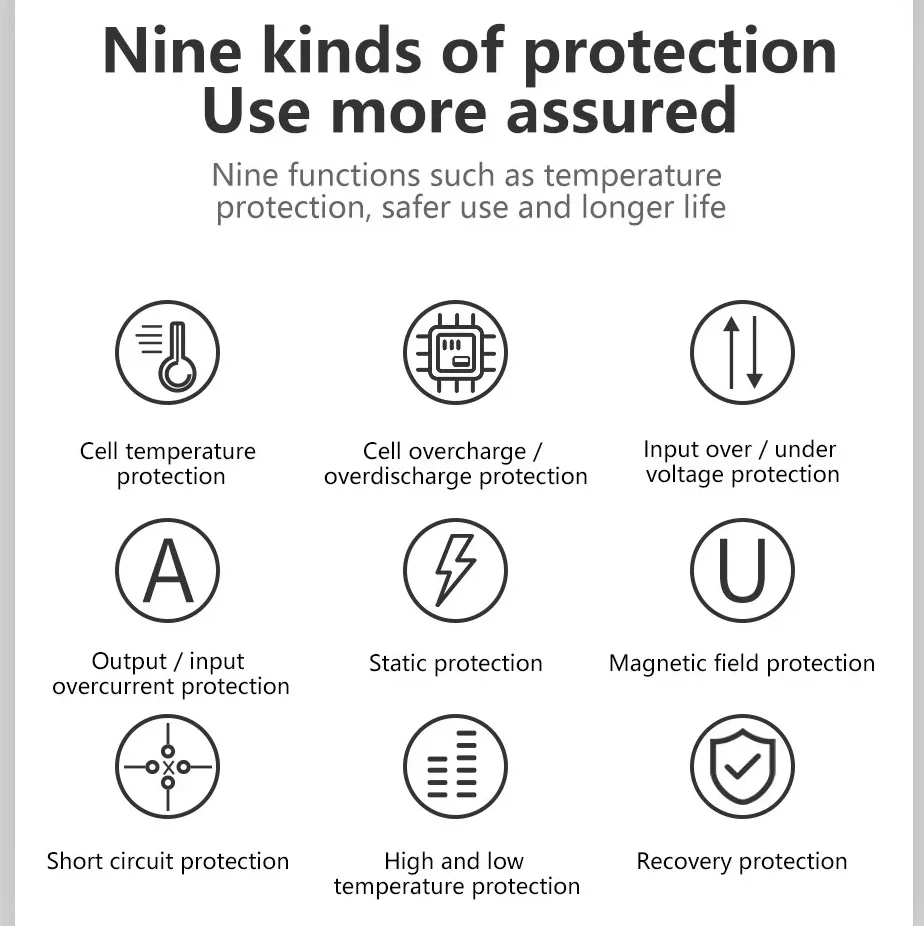
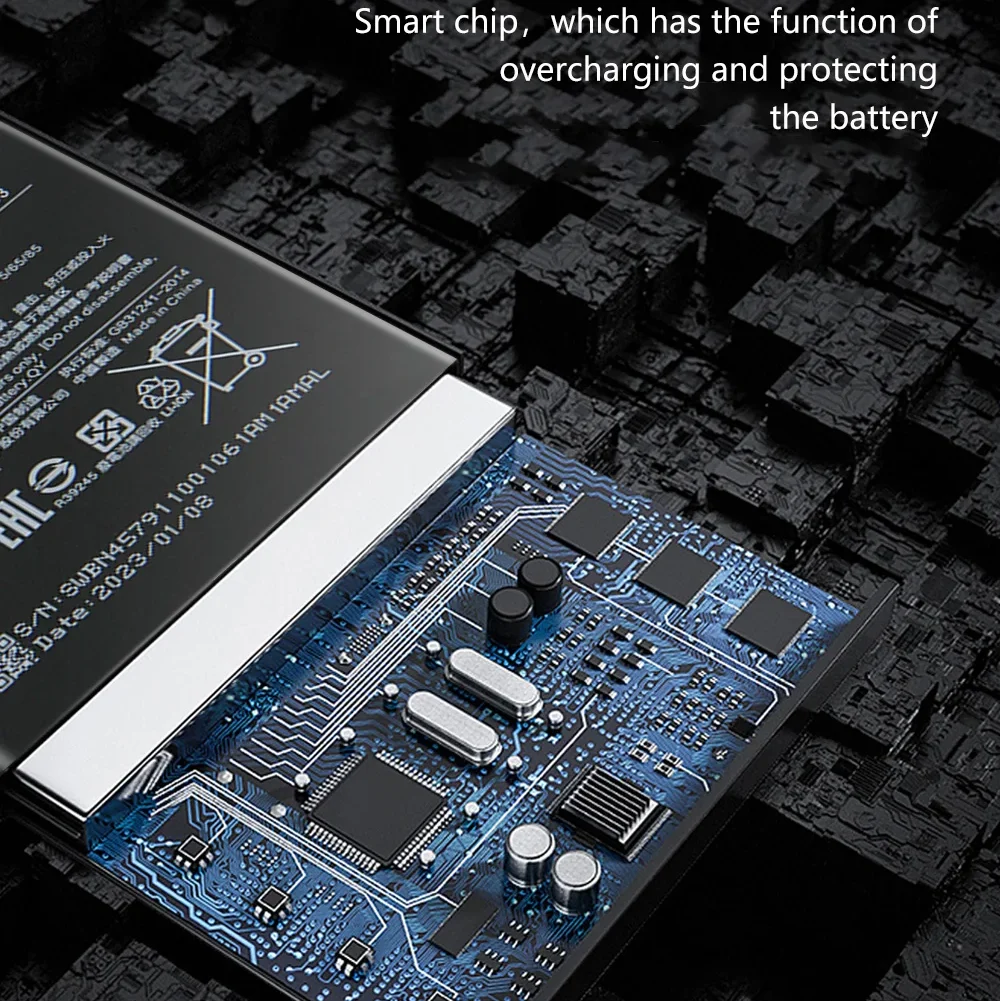
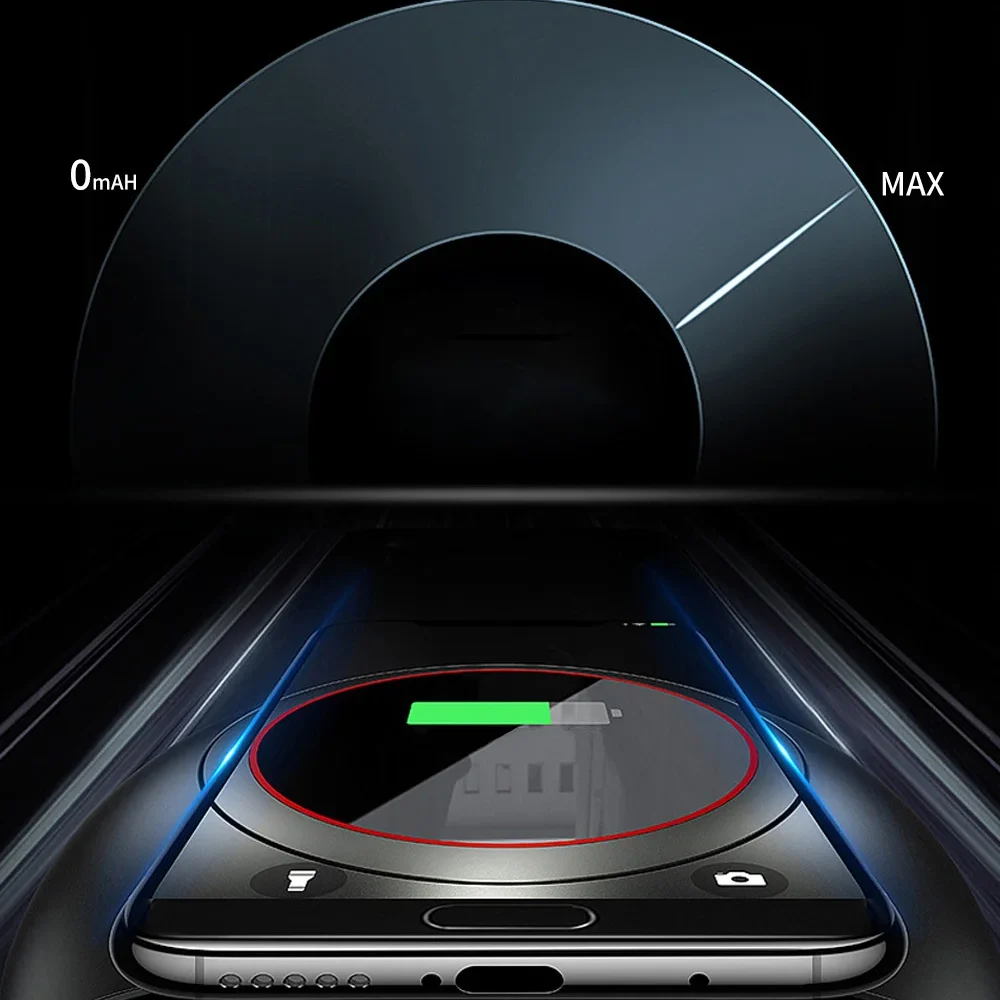
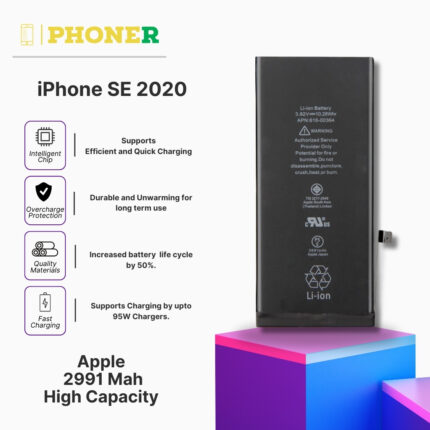
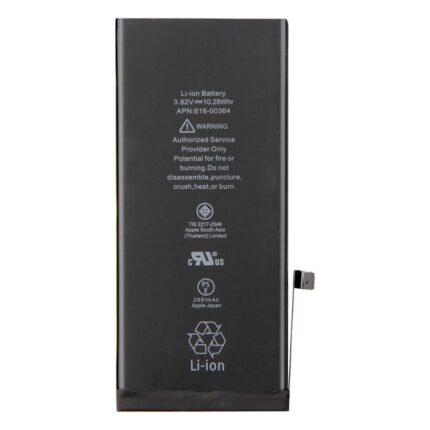
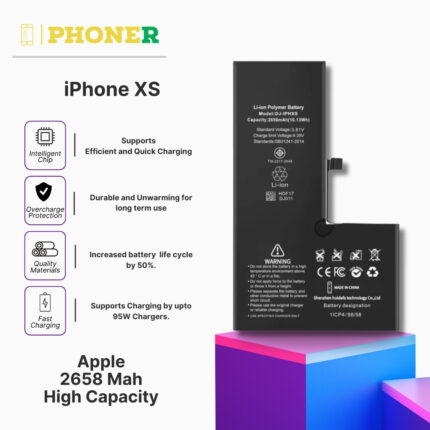
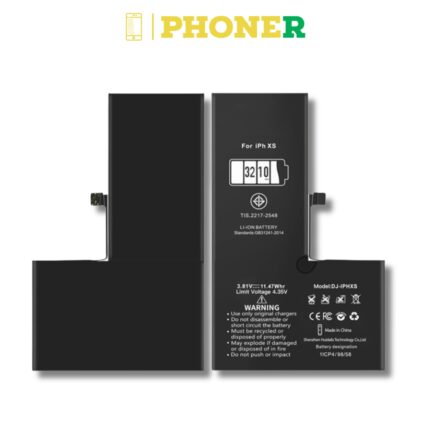
Introducing the Mobile Battery for Mi Redmi 8 BN51 – a powerful replacement battery designed to enhance the performance and longevity of your Mi Redmi 8. Say goodbye to slow charging and unexpected power drains with this high-capacity battery. With a 6-month guarantee, it’s time to elevate your mobile experience. Discover more at phoner.in.
Key Features of Mobile Battery for Mi Redmi 8 BN51
1. High-Capacity Power Mobile Battery for Mi Redmi 8 BN51
Surpassing the original Mi Redmi 8 battery’s capacity, our BN51 Mobile Battery ensures extended usage time between charges. Stay connected and maximize your Mi Redmi 8’s potential without worrying about running out of power.
2. Advanced Lithium-ion Technology Mobile Battery for Mi Redmi 8 BN51
Crafted with cutting-edge lithium-ion technology, our battery guarantees a longer lifespan and consistent power delivery. Experience optimal performance with every charge, knowing your Mi Redmi 8 is equipped with the latest battery technology.
Why Opt for Our Mobile Battery for Mi Redmi 8 BN51?
1. Unrivaled Performance
Enjoy top-tier performance with the Mobile Battery for Mi Redmi 8 BN51, eliminating slow charging and unexpected power drains. This high-capacity replacement battery is meticulously designed to meet the demands of your Mi Redmi 8, ensuring a seamless and efficient mobile experience.
2. 6-Month Guarantee
Rest easy with our 6-month guarantee, a testament to the quality and reliability of our product. Your satisfaction is our priority, providing assurance and confidence in the longevity of your Mi Redmi 8.
Installation Guide: Mobile Battery for Mi Redmi 8 BN51
Step 1: Gather Necessary Tools
Collect the required tools, including a screwdriver, prying tool, and adhesive strips, before starting the installation.
Step 2: Power Off Your Mi Redmi 8
Ensure a safe battery replacement process by turning off your Mi Redmi 8.
Step 3: Remove the Screws
Carefully remove the screws securing the back cover of your Mi Redmi 8 using the provided screwdriver.
Step 4: Disconnect the Old Battery
Detach the connectors to carefully remove the old battery from your Mi Redmi 8.
Step 5: Install Our Mobile Battery for Mi Redmi 8 BN51
Insert our Mi Redmi 8 BN51 Mobile Battery, reconnect the connectors, and secure the back cover with the screws.
Step 6: Power On and Enjoy
Power on your Mi Redmi 8 and experience the enhanced performance and extended battery life our replacement battery provides.
Customer Reviews
Discover what our satisfied customers are saying about our Mobile Battery for Mi Redmi 8 BN51:
- “Game-changer! My Mi Redmi 8 now lasts much longer, and the installation was a breeze.” – Priya R.
- “Top-notch upgrade! The battery life is impressive, and the 6-month guarantee adds peace of mind.” – Arjun M.
FAQs (Frequently Asked Questions)
Q1: Is the BN51 Mobile Battery compatible with other Mi Redmi models?
A1: Our BN51 Mobile Battery is specifically designed for the Mi Redmi 8. While it may physically fit other Mi Redmi models, optimal performance is guaranteed when used with the Mi Redmi 8.
Q2: How long does it take to install the Mobile Battery for Mi Redmi 8 BN51?
A2: The installation process typically takes around 20-30 minutes, even for beginners, thanks to our user-friendly instructions.
Q3: Will replacing my Mi Redmi 8 battery void its warranty?
A3: The warranty on your Mi Redmi 8 may be voided if the battery replacement is not performed by an authorized service provider. However, our BN51 Mobile Battery for Mi Redmi 8 comes with a 6-month guarantee for quality assurance.
Q4: Can I use my Mi Redmi 8 during the battery replacement process?
A4: We recommend powering off your Mi Redmi 8 before replacing the battery to prevent potential damage. Once the replacement is complete, you can power it back on and resume normal usage.
Tips for Maximizing Battery Life on Mi Redmi 8
1. Adjust Display Settings
Optimize your Mi Redmi 8’s battery life by adjusting display settings, including brightness and auto-lock duration, to find the perfect balance between visibility and power conservation.
2. Utilize Battery Saver Mode
Activate Battery Saver Mode on your Mi Redmi 8 during periods of extended use or when the battery is running low. This feature conserves power by adjusting settings and limiting background processes.
3. Manage Background App Refresh
Control which apps refresh content in the background to save battery life. Navigate to Settings > System Apps > App Management > [Your App] > Battery Usage and customize your preferences for each app.
4. Monitor App Usage
Identify and manage apps that consume excessive battery power. Check the battery usage statistics in Settings > Battery > Battery Usage to identify and optimize resource-intensive applications.
5. Keep Software Updated
Ensure your Mi Redmi 8 is running the latest software updates to benefit from performance optimizations and battery management improvements.
Troubleshooting Common Battery Issues on Mi Redmi 8
Issue 1: Rapid Battery Drain
If you experience rapid battery drain, try restarting your Mi Redmi 8 or reviewing recently installed apps that may be consuming excessive power.
Issue 2: Overheating During Charging
To address overheating issues during charging, use genuine Mi accessories and avoid charging your Mi Redmi 8 in extreme temperatures or direct sunlight.
Issue 3: Battery Percentage Inaccuracies
Calibrate your Mi Redmi 8’s battery by fully charging it, allowing it to drain completely, and then charging it back to 100% without interruption to recalibrate the battery indicator.
Conclusion
Upgrade your Mi Redmi 8 confidently with our Mobile Battery for Mi Redmi 8 BN51. Featuring high-capacity power, advanced technology, and easy installation, it’s the ideal solution for extending the lifespan of your device. Don’t let battery issues hinder your mobile experience – order your Mi Redmi 8 BN51 Mobile Battery today at phoner.in and discover the enhanced performance and prolonged battery life it brings to your Mi Redmi 8.
Click Here For Mi Redmi 8 Mobile specification
Click Here For Mi Redmi 8 Lcd Display folder