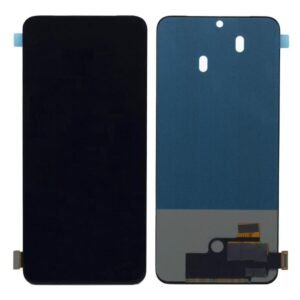
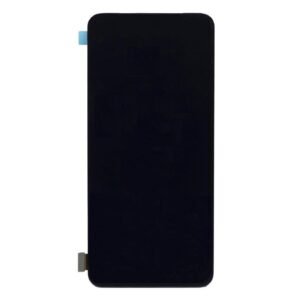
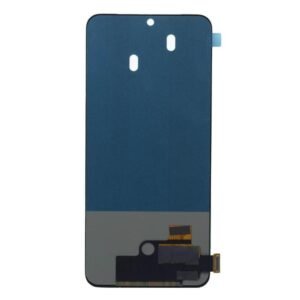
Unveiling the Oppo Reno 2Z LCD Display Folder
Introduction:
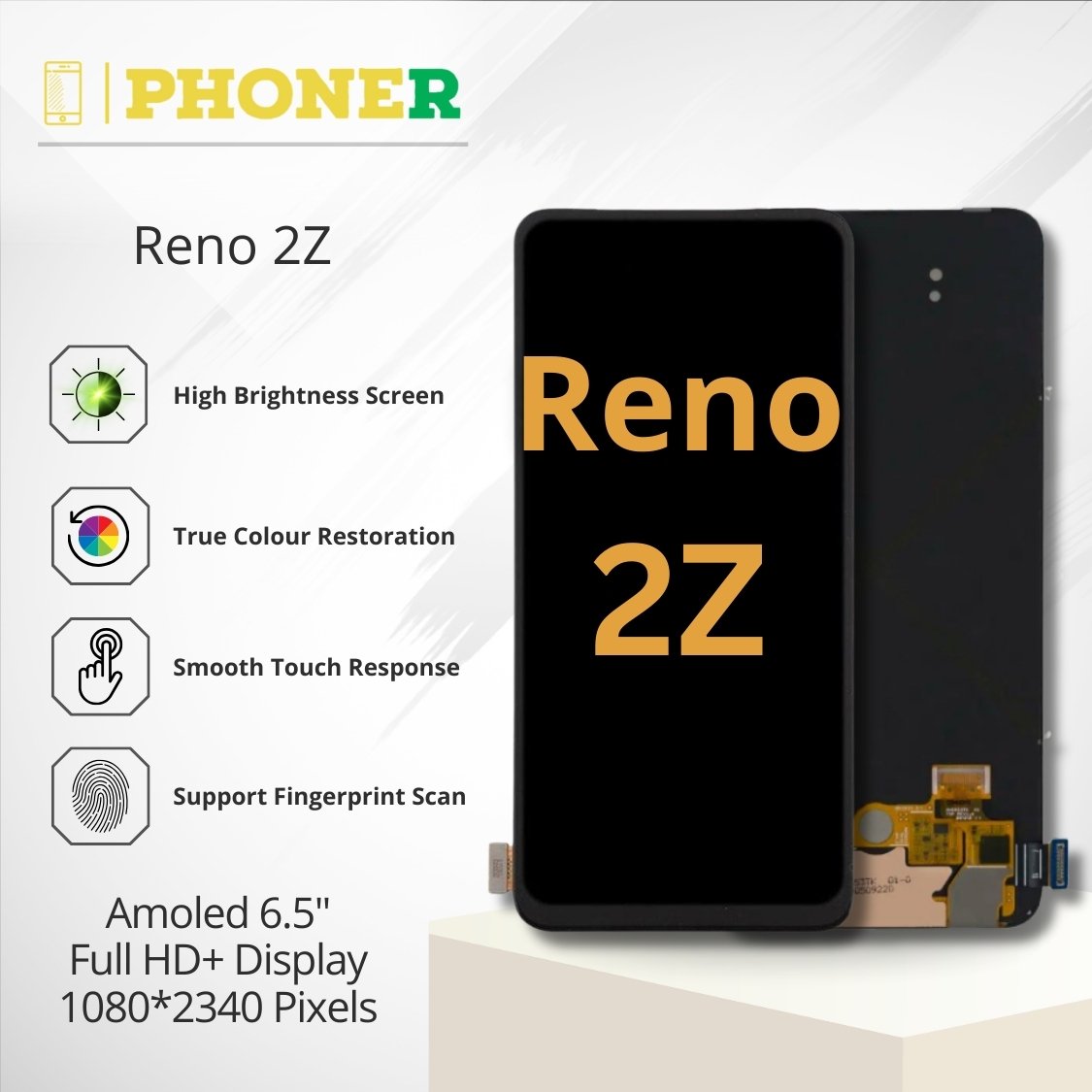
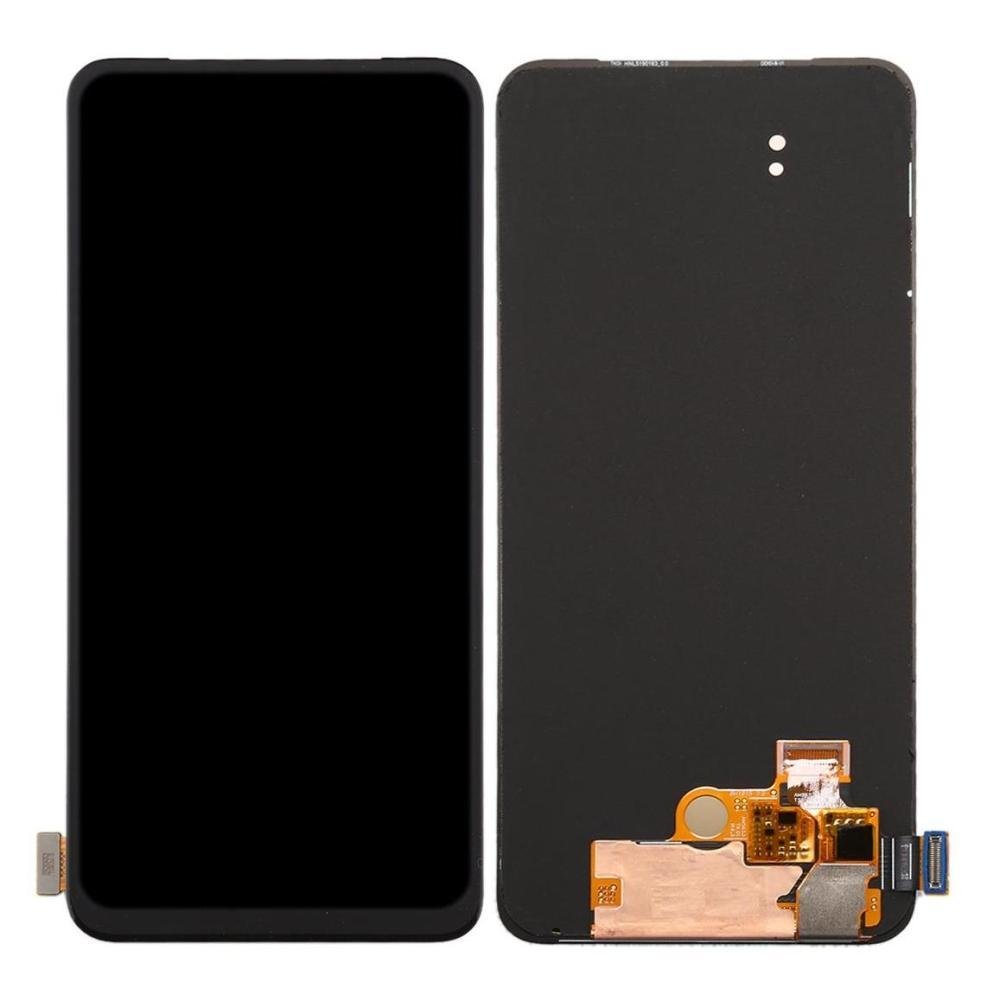
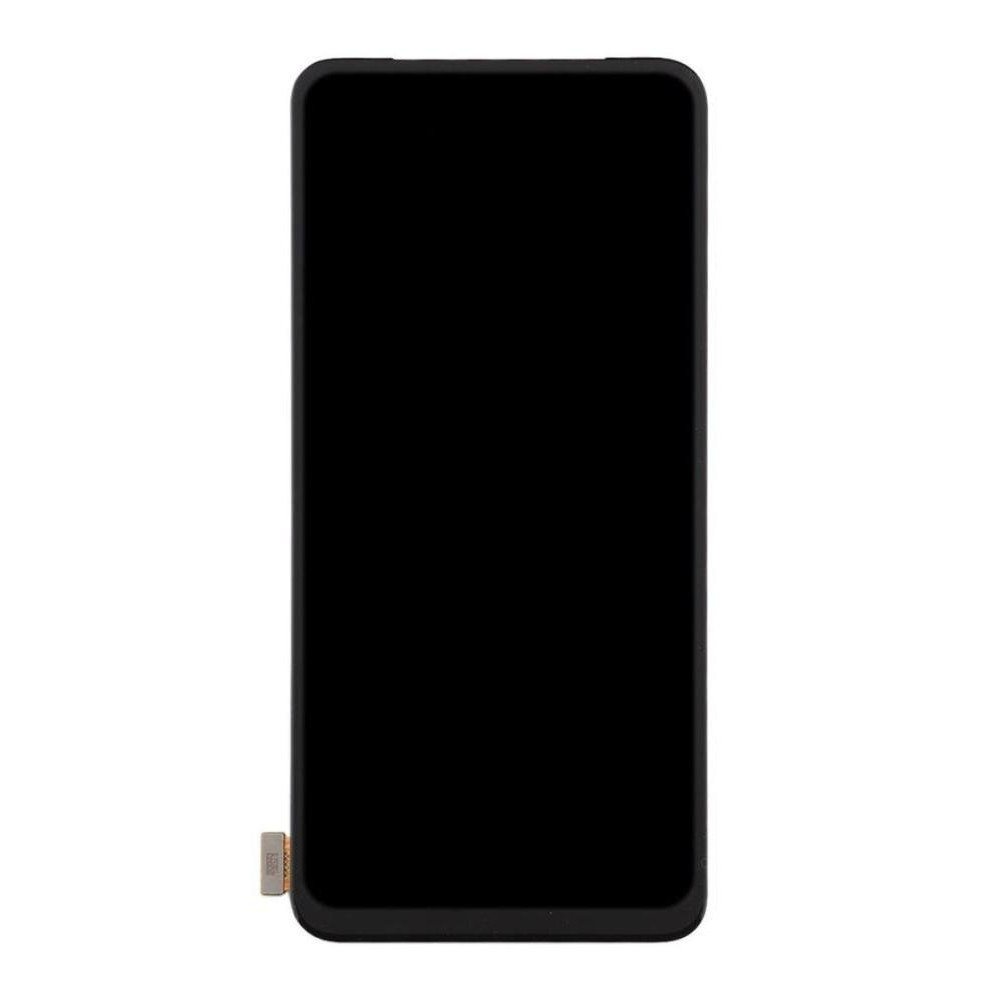
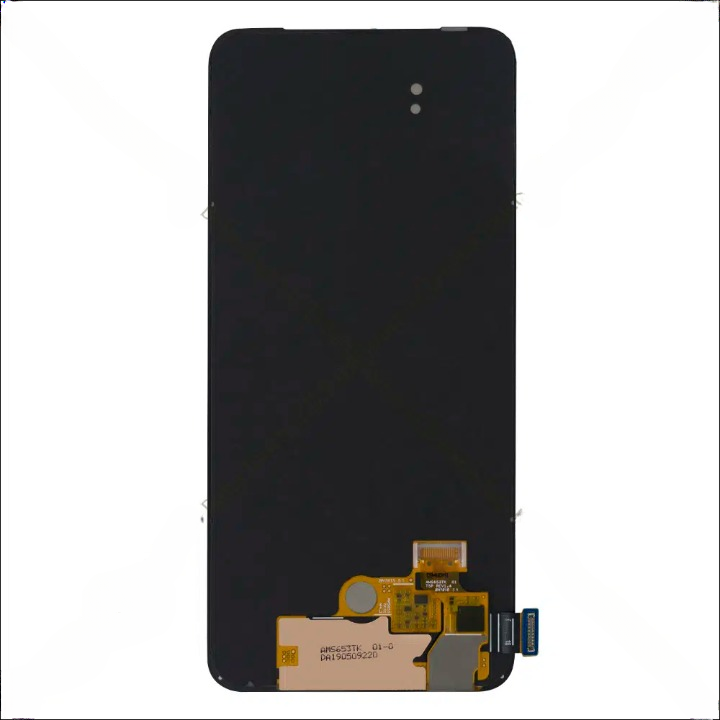
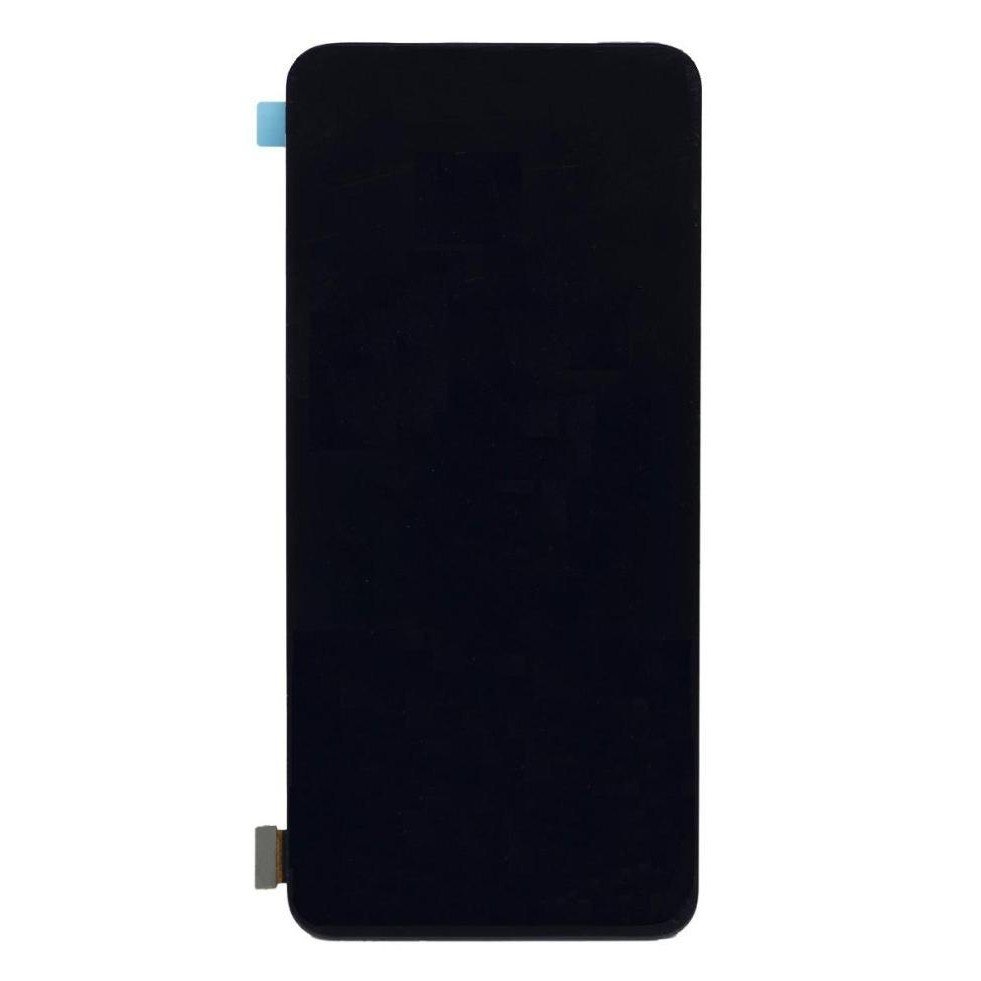
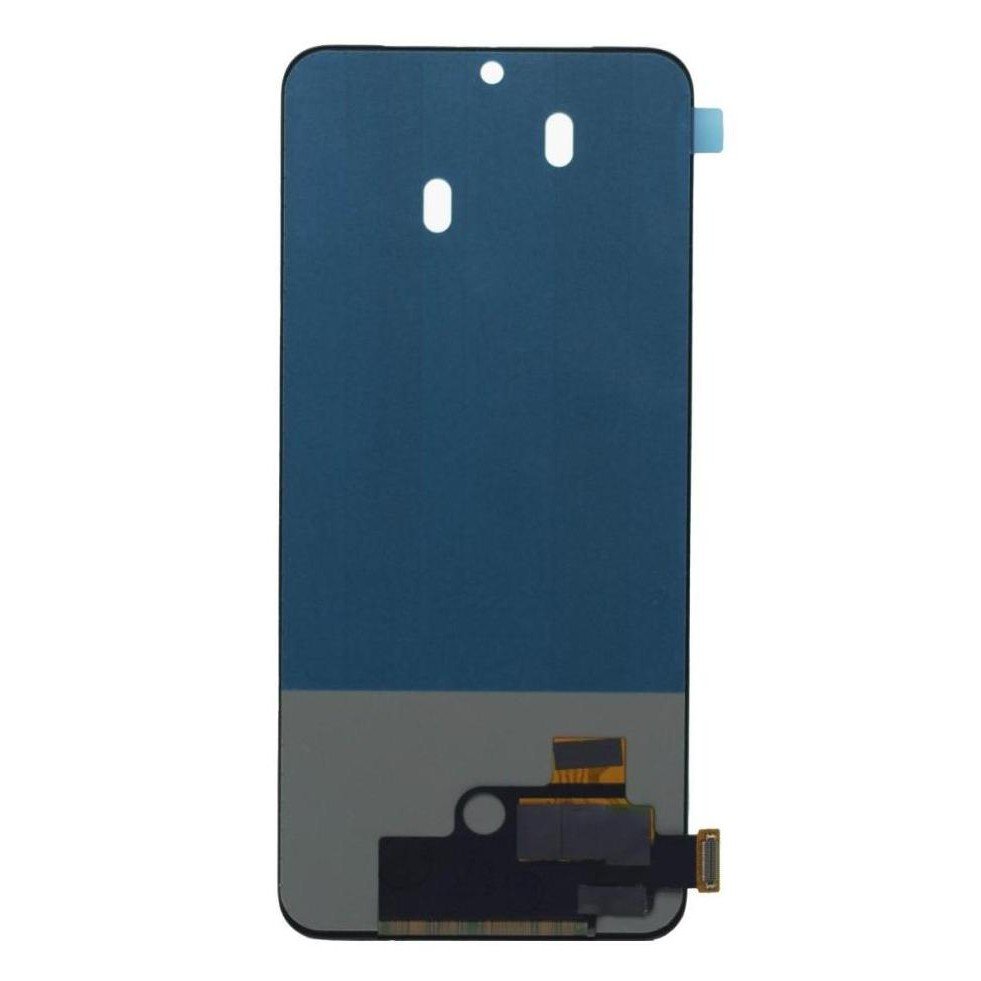
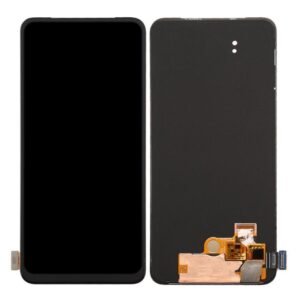
Introducing the Oppo Reno 2Z LCD Display Folder – not just a spare part but a cornerstone in the realm of precision mobile repairs. Crafted with meticulous engineering and designed for seamless integration, this guide explores the features, advantages, and an in-depth installation process to empower you in delivering impeccable repairs.
Features That Set the Oppo Reno 2Z LCD Display Folder Apart
1. Crystal-Clear Visuals:
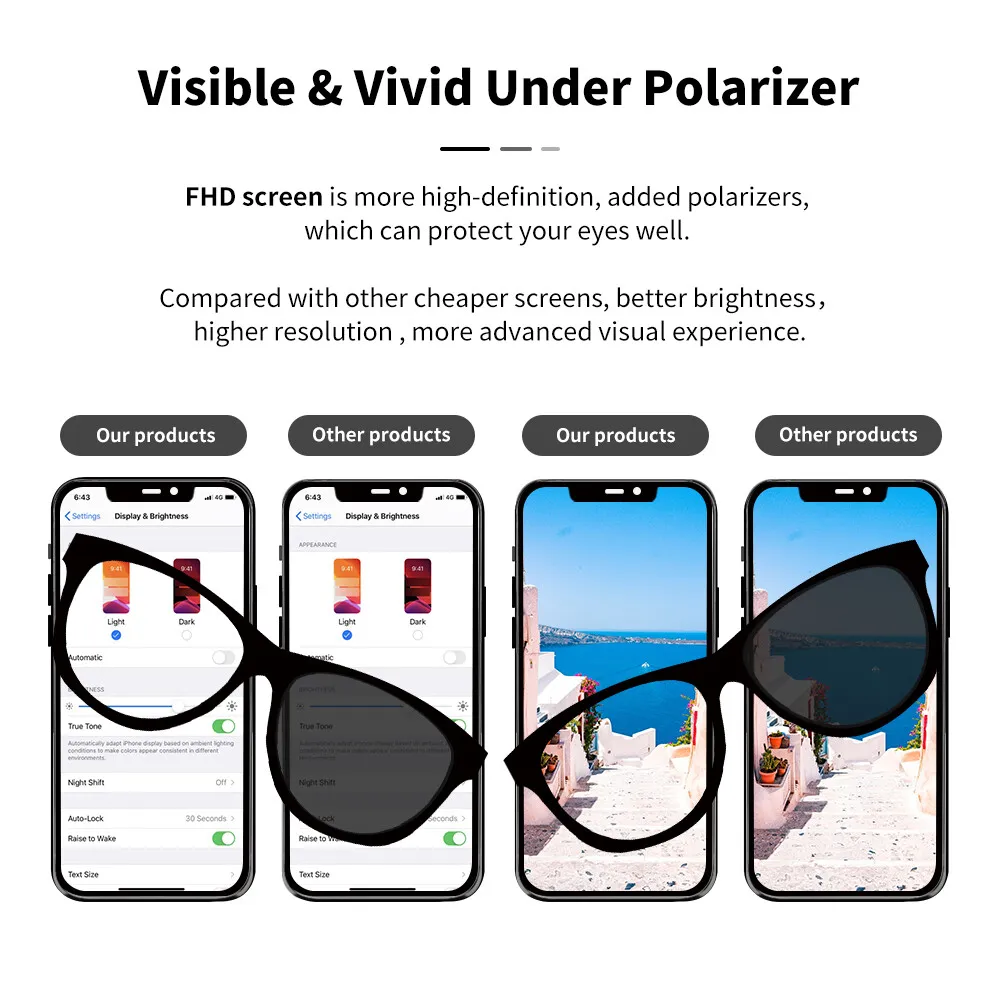
Immerse your customers in a visual feast with the Oppo Reno 2Z LCD Display Folder. Revel in vibrant colors, sharp details, and an enhanced visual experience that sets a new standard for mobile viewing.
2. Seamless Compatibility:
Exclusively designed for the Oppo Reno 2Z, this LCD display folder guarantees a perfect fit. Bid farewell to compatibility issues, ushering in a hassle-free replacement process.
3. Durable Build:
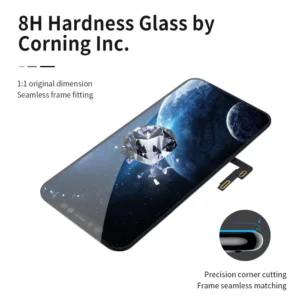
Built for durability, the Oppo Reno 2Z LCD Display Folder withstands the demands of daily use. Ensure longevity and reliability, securing the trust of your clients in every repair job.
The Phoner.in Advantage
When it comes to sourcing high-quality spare parts, Phoner.in is your trusted ally. Here’s why choosing Phoner.in for your Oppo Reno 2Z LCD Display Folder ensures success in your mobile repair business:
1. Rigorous Quality Checks:
Every Oppo Reno 2Z LCD Display Folder undergoes stringent quality checks, surpassing industry standards. Trust in a product that consistently delivers excellence.
2. Swift and Secure Shipping:
In the realm of mobile repairs, time is crucial. Phoner.in’s express shipping services ensure your Oppo Reno 2Z LCD Display Folder reaches you promptly, minimizing downtime in your repair services.
How to Replace the Oppo Reno 2Z LCD Display Folder: A Step-by-Step Guide
Step 1: Gather Your Tools
Equip yourself with the necessary tools, including screwdrivers, tweezers, and a heat gun, before initiating the replacement process.
Step 2: Disassemble the Device
Carefully follow the manufacturer’s guidelines to disassemble the Oppo Reno 2Z. Exercise caution with delicate components to prevent any damage.
Step 3: Remove the Old Display Folder
Detach the old display folder, paying attention to any adhesive or screws securing it in place.
Step 4: Install the New Oppo Reno 2Z LCD Display Folder
Align the new LCD display folder precisely with the device’s connectors. Gently press it into place, securing it with screws or adhesive as required.
Step 5: Reassemble the Device
Carefully reassemble the Oppo Reno 2Z, ensuring all components are securely in place. Power on the device to confirm the new display folder functions flawlessly.
Advanced Troubleshooting Tips
1. Verify Cable Connections:
Ensure all cable connections are secure post-replacement to avoid display or touch issues.
2. Software Compatibility Check:
Verify that the device’s software is up-to-date and compatible with the new Oppo Reno 2Z LCD Display Folder to prevent software-related issues.
3. Pixel Inspection:
Thoroughly inspect the display for dead pixels post-installation, addressing any issues promptly.
Customer Testimonials
1. “Phoner.in Sets the Standard!”
“Choosing Phoner.in for my Oppo Reno 2Z LCD Display Folder was a game-changer. The display quality is unmatched, and the entire replacement process was smooth. I highly recommend Phoner.in for their commitment to quality.”
2. “Durable and Reliable!”
“The Oppo Reno 2Z LCD Display Folder from Phoner.in exceeded my expectations. The durability and compatibility make it the perfect choice for anyone in the mobile repair business.”
Conclusion: A Visionary Approach to Mobile Repairs
In conclusion, the Oppo Reno 2Z LCD Display Folder from Phoner.in symbolizes more than just a spare part. It embodies a visionary approach to mobile repairs – one that prioritizes quality, innovation, and customer satisfaction. Elevate your repair services, stand out in the industry, and embrace the transformative power of the Oppo Reno 2Z LCD Display Folder. Order yours today and embark on a journey of excellence in mobile repairs with Phoner.in.
Click here for Oppo Reno 2Z Mobile Specification
Click here for Oppo Reno 2F Lcd Display Folder