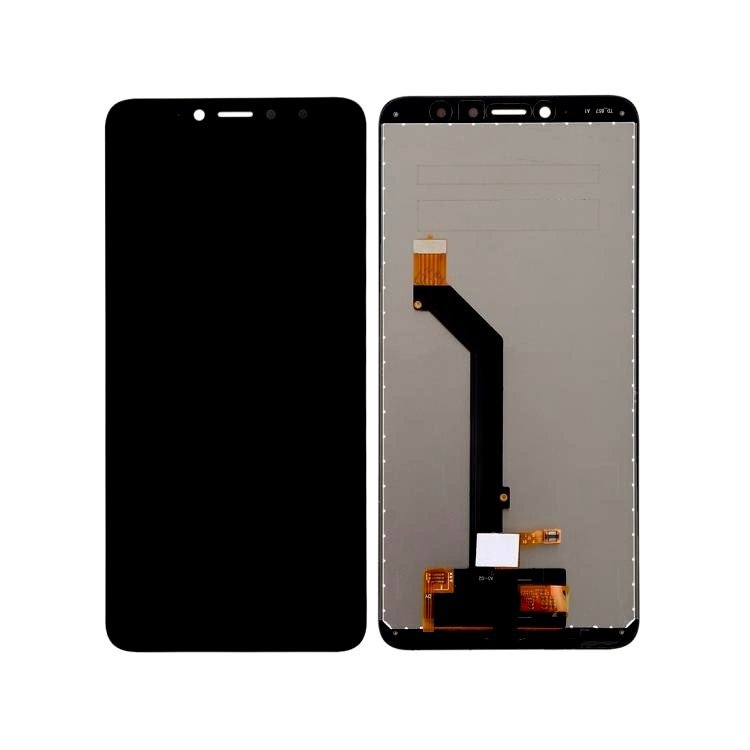
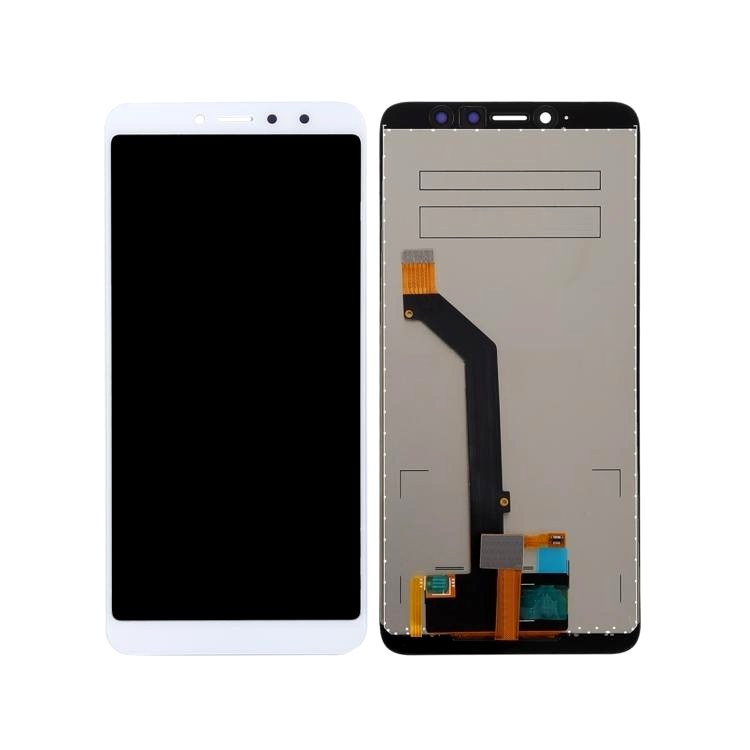
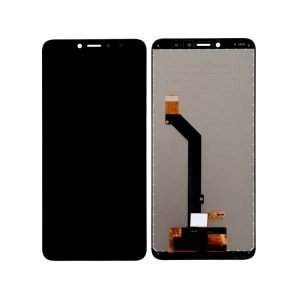
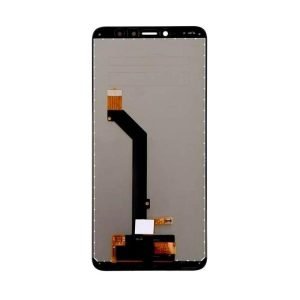
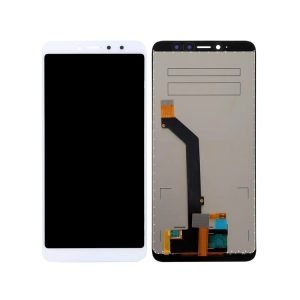
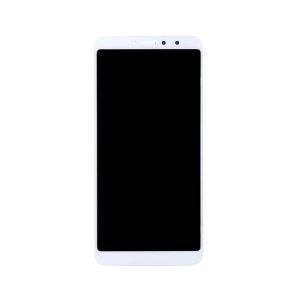
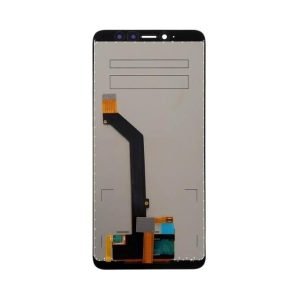
Welcome to Phoner.in, your trusted destination for premium mobile spare parts. In the realm of mobile repairing, quality is paramount, and our Mi Redmi Y2 Lcd Display Folder is here to redefine your repair experience. Explore the superior features, reliability, and innovation that make our product stand out in the market.
Understanding the Mi Redmi Y2 Lcd Display Folder
Unmatched Quality and Precision
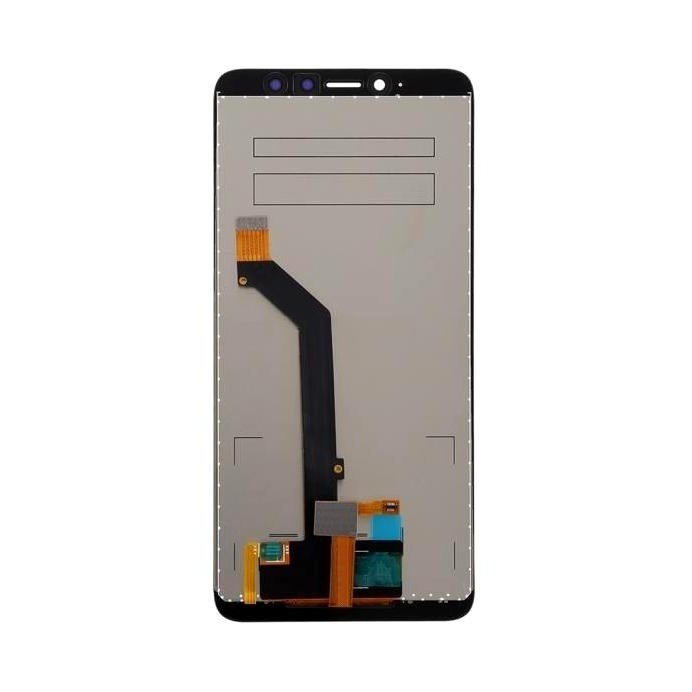
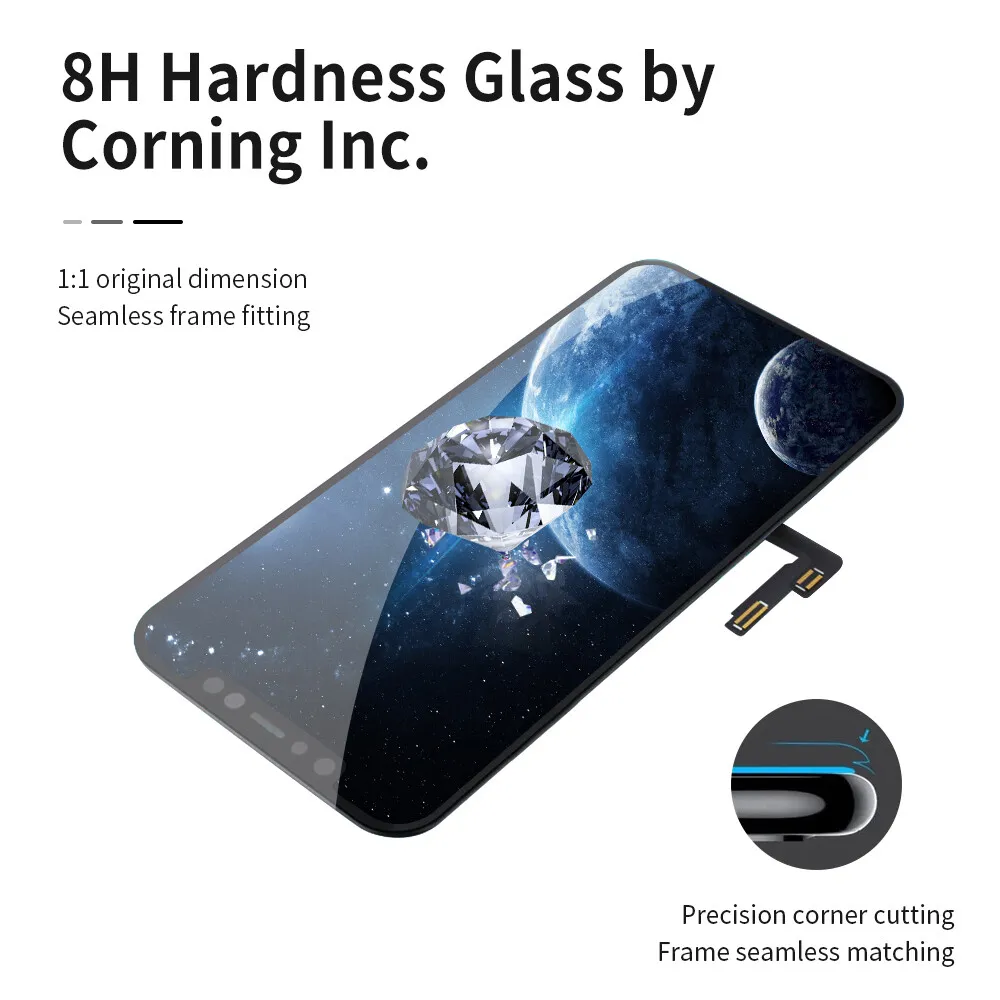
When it comes to mobile repairing, precision is non-negotiable. Our Mi Redmi Y2 Lcd Display Folder boasts unparalleled quality and precision, ensuring a seamless fit for your Redmi Y2 device. Crafted with utmost care, this folder guarantees a flawless display replacement.
Advanced Technology for Optimal Performance
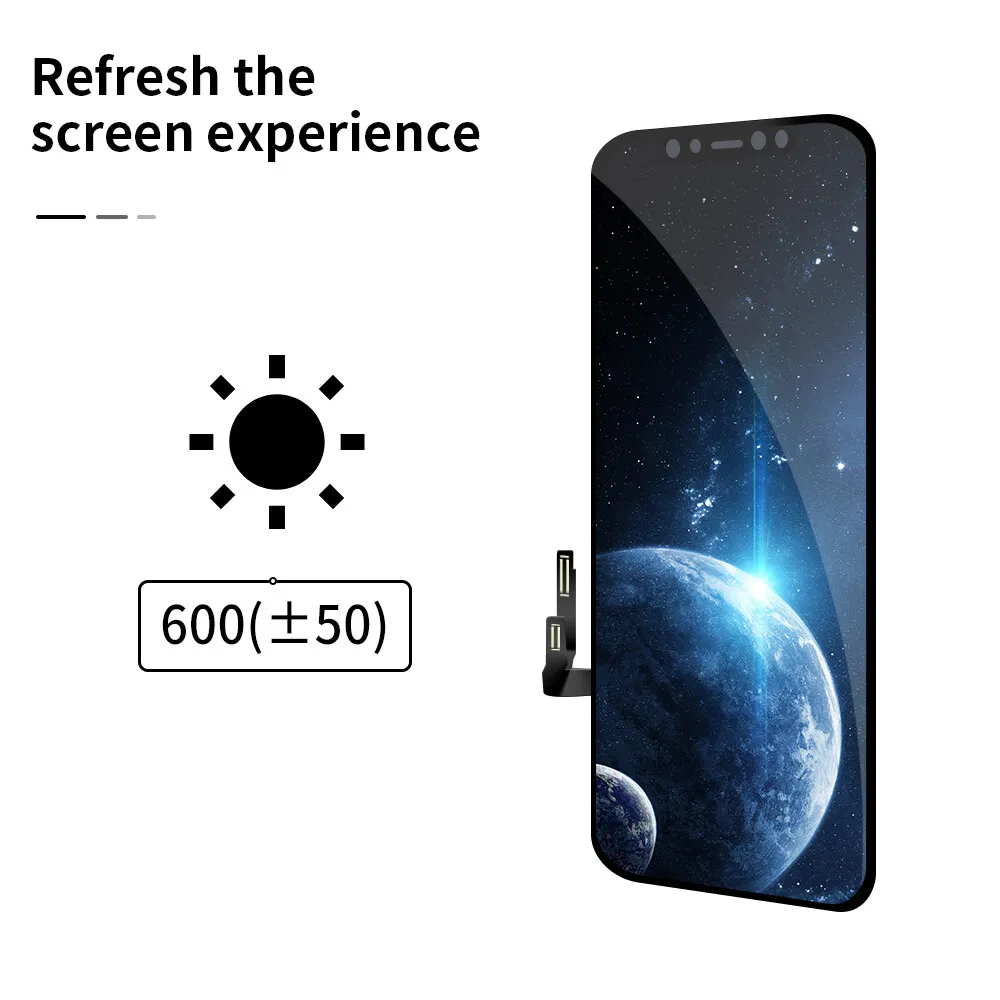
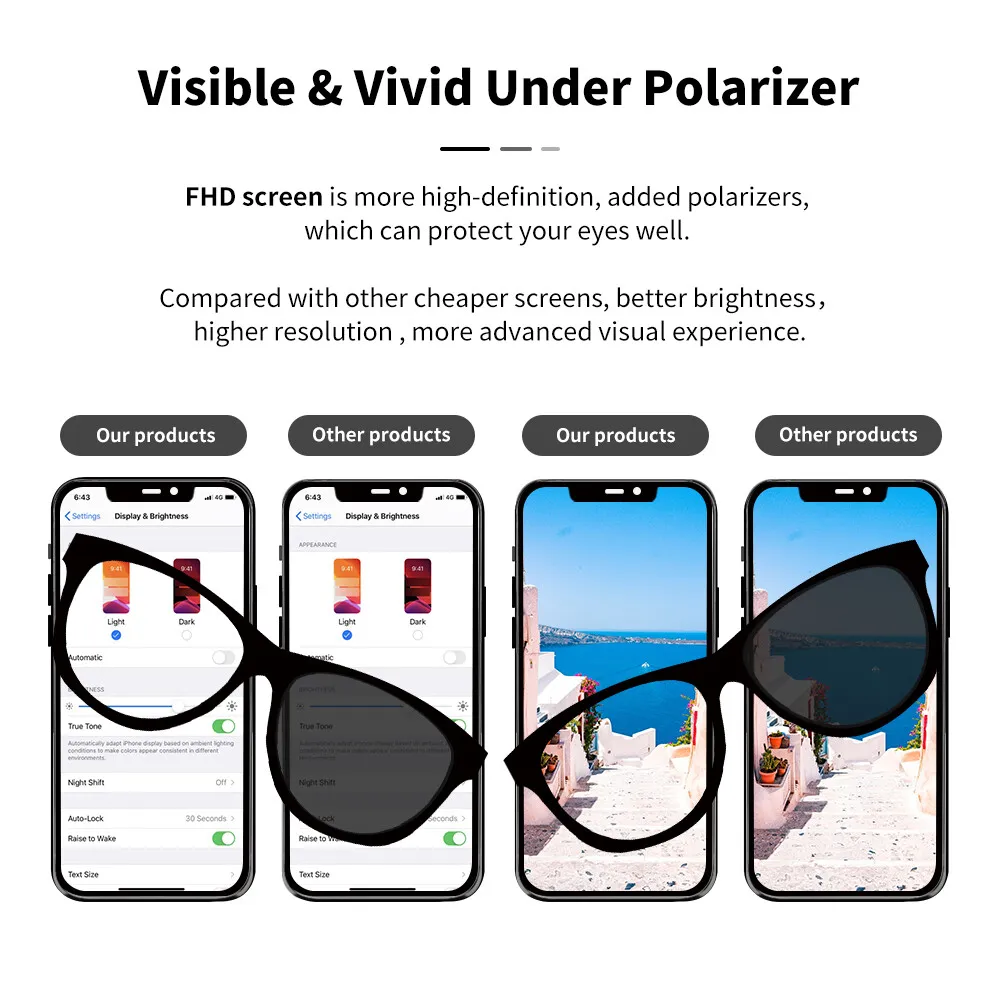
Stay ahead in the mobile repair game with the advanced technology embedded in our Lcd Display Folder. Experience vibrant visuals and crystal-clear displays that rival the original screen. Say goodbye to compromised visual experiences and hello to excellence.
Why Choose Phoner.in?
1. Reliability and Durability
Our commitment to quality extends beyond just technical specifications. The Mi Redmi Y2 Lcd Display Folder from Phoner.in is a symbol of reliability and durability. Built to withstand the rigors of everyday use, this folder ensures a long-lasting, dependable solution for your mobile repair needs.
2. Easy Installation for Everyone
Don’t let complex installations hinder your repair progress. Our Lcd Display Folder is designed with user-friendliness in mind. Whether you’re a seasoned professional or a DIY enthusiast, our product comes with easy-to-follow instructions, making the installation process a breeze.
3. Competitive Pricing
At Phoner.in, we believe in providing premium products without breaking the bank. Enjoy competitive pricing without compromising on quality. Invest in the Mi Redmi Y2 Lcd Display Folder and witness the perfect blend of affordability and excellence.
Customer Testimonials
Discover what our satisfied customers have to say about the Mi Redmi Y2 Lcd Display Folder:
“Phoner.in exceeded my expectations with the quality of the Lcd Display Folder. My Redmi Y2 looks brand new!” – John D.
“The easy installation process saved me time, and the display quality is exceptional. Highly recommended!” – Sarah M.
Installation Guide
Step-by-Step Instructions
To ensure a smooth installation process, follow these simple steps:
Step 1: Gather Your Tools
Before starting, gather all the necessary tools including a screwdriver, prying tool, and adhesive strips.
Step 2: Disassemble the Device
Carefully remove the back cover, battery, and any other components obstructing access to the display.
Step 3: Disconnect Cables
Disconnect the cables connected to the old display carefully to avoid damage.
Step 4: Remove Old Display
Use a prying tool to gently remove the old display from its housing.
Step 5: Install New Display
Carefully place the new Mi Redmi Y2 Lcd Display Folder into the housing, ensuring it fits snugly.
Step 6: Reassemble the Device
Reconnect all cables and components, then reattach the back cover.
Step 7: Test the Display
Power on the device and test the new display to ensure it functions properly.
Common FAQs
Q: Is the Mi Redmi Y2 Lcd Display Folder compatible with other Redmi models?
A: No, our Lcd Display Folder is specifically designed for the Redmi Y2 model and may not be compatible with other models.
Q: Does the product come with a warranty?
A: Yes, we offer a standard warranty on all our products. Please refer to our warranty policy for more details.
Conclusion
In conclusion, the Mi Redmi Y2 Lcd Display Folder from Phoner.in is not just a spare part; it’s a commitment to excellence in mobile repairing. Elevate your repair projects with a product that prioritizes quality, precision, and innovation.
Ready to transform your mobile repair experience? Explore the Mi Redmi Y2 Lcd Display Folder at Phoner.in today and take the first step towards seamless, reliable repairs. With our superior product and exceptional service, your mobile repair endeavors are bound to reach new heights.
Click here for Mi Redmi Y2 Mobile Specification
Click here for Mi Redmi Y1 Lite Lcd Display Folder