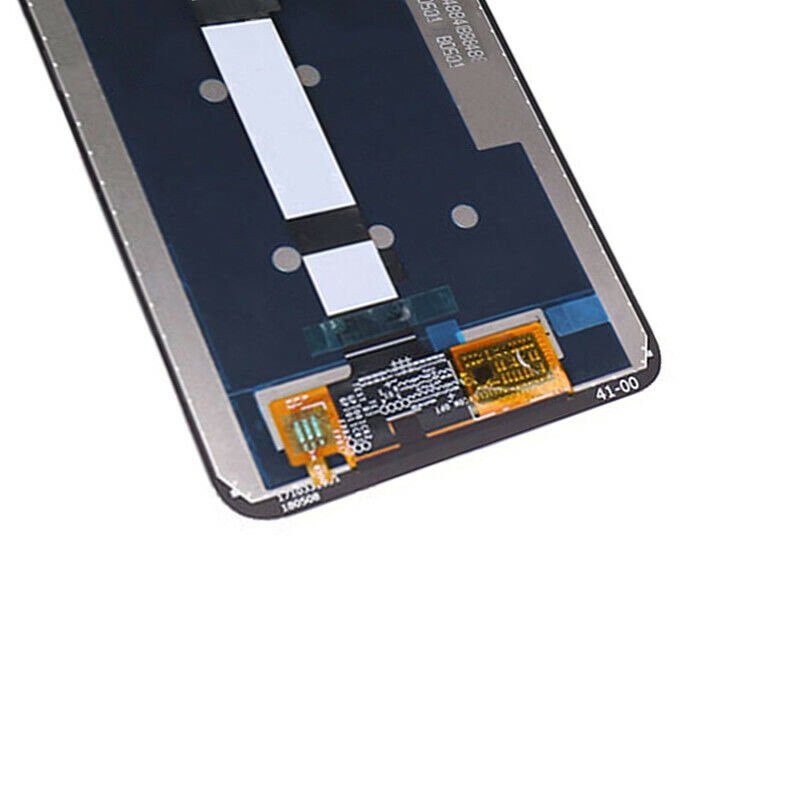
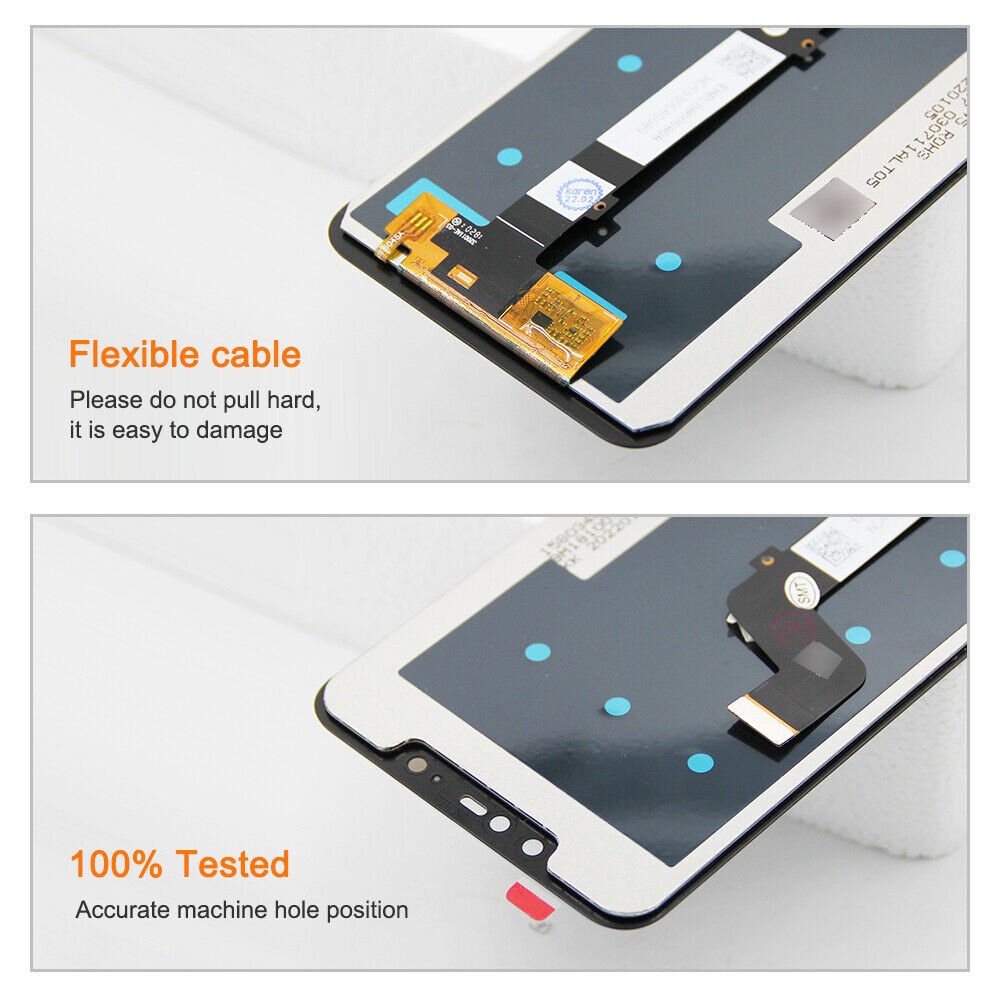
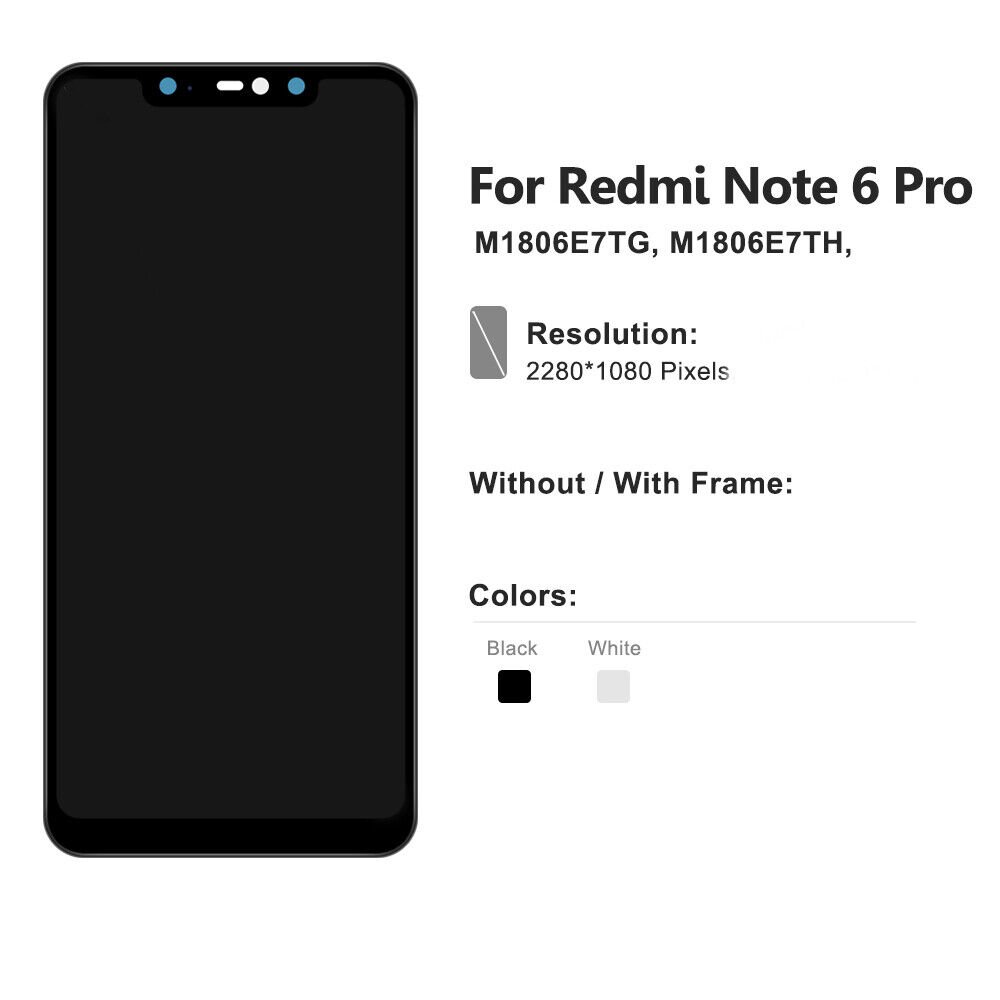
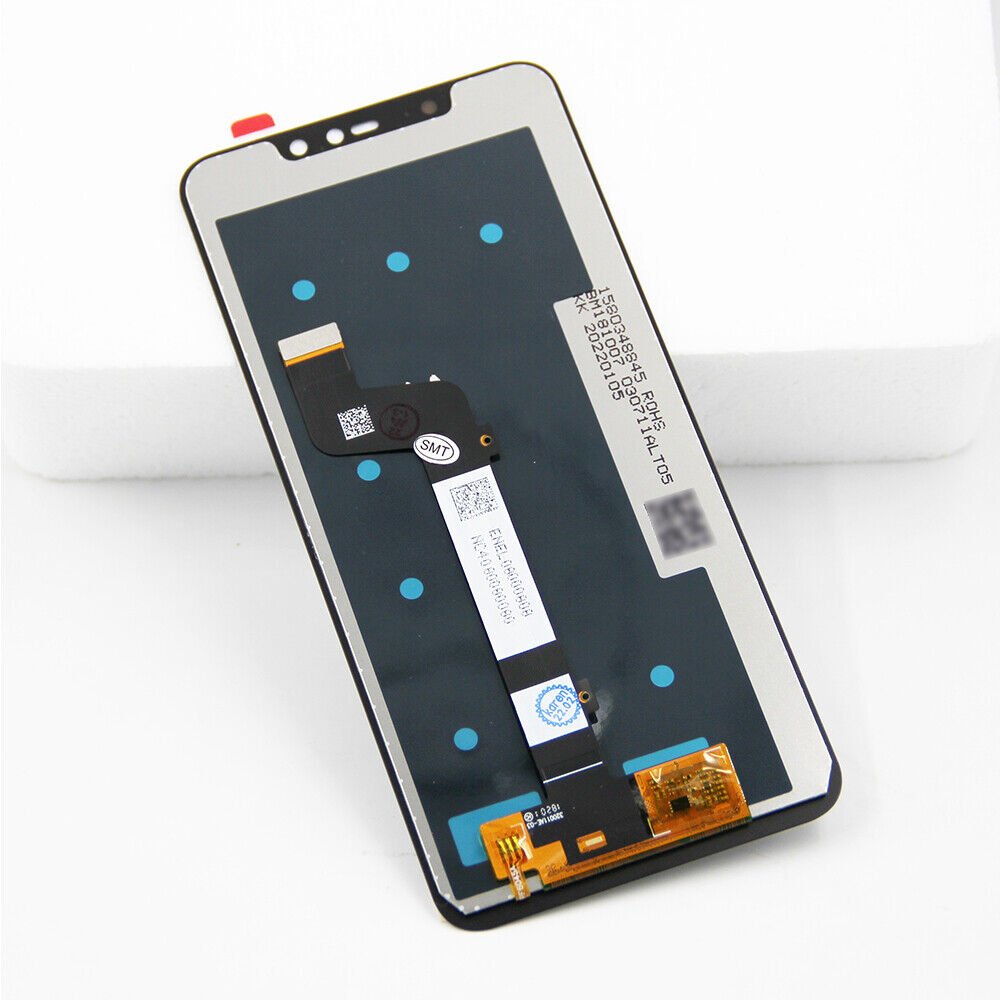
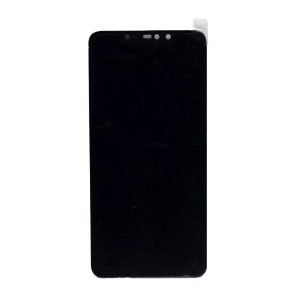
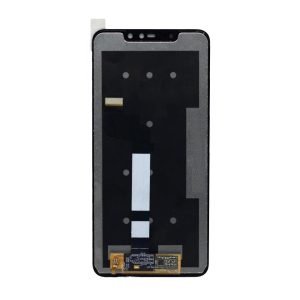
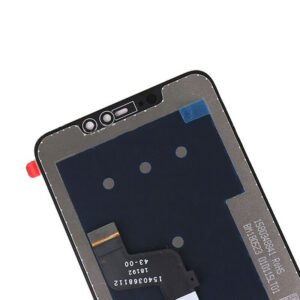
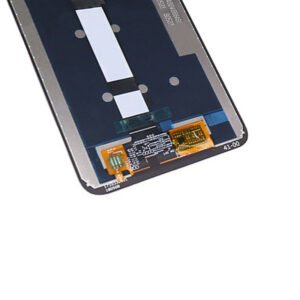
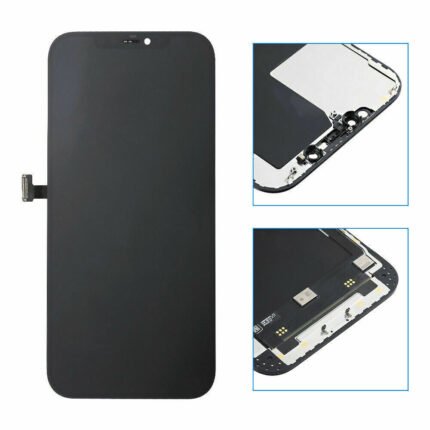
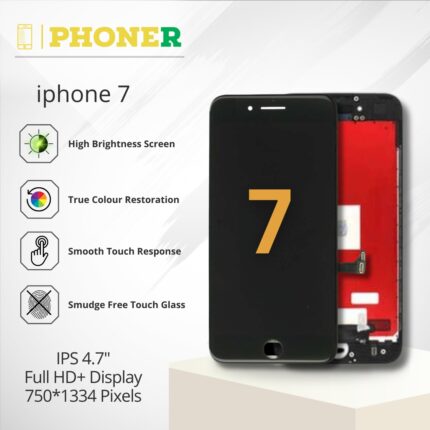
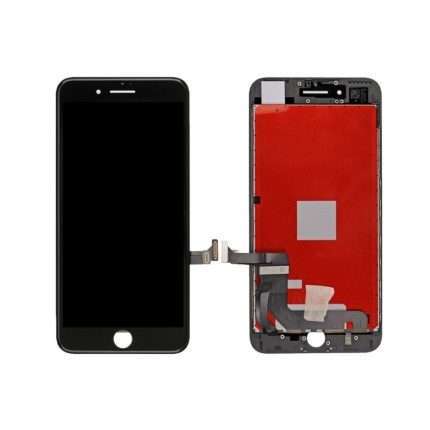
Welcome to Phoner.in, where we present the Mi Redmi Note 6 Pro LCD Display Folder—a crucial component for enhancing the visual experience of your Redmi Note 6 Pro. This comprehensive guide provides insights into its features, installation process, and why Phoner.in stands out as your reliable source for premium mobile spare parts.
Understanding the Mi Redmi Note 6 Pro LCD Display Folder
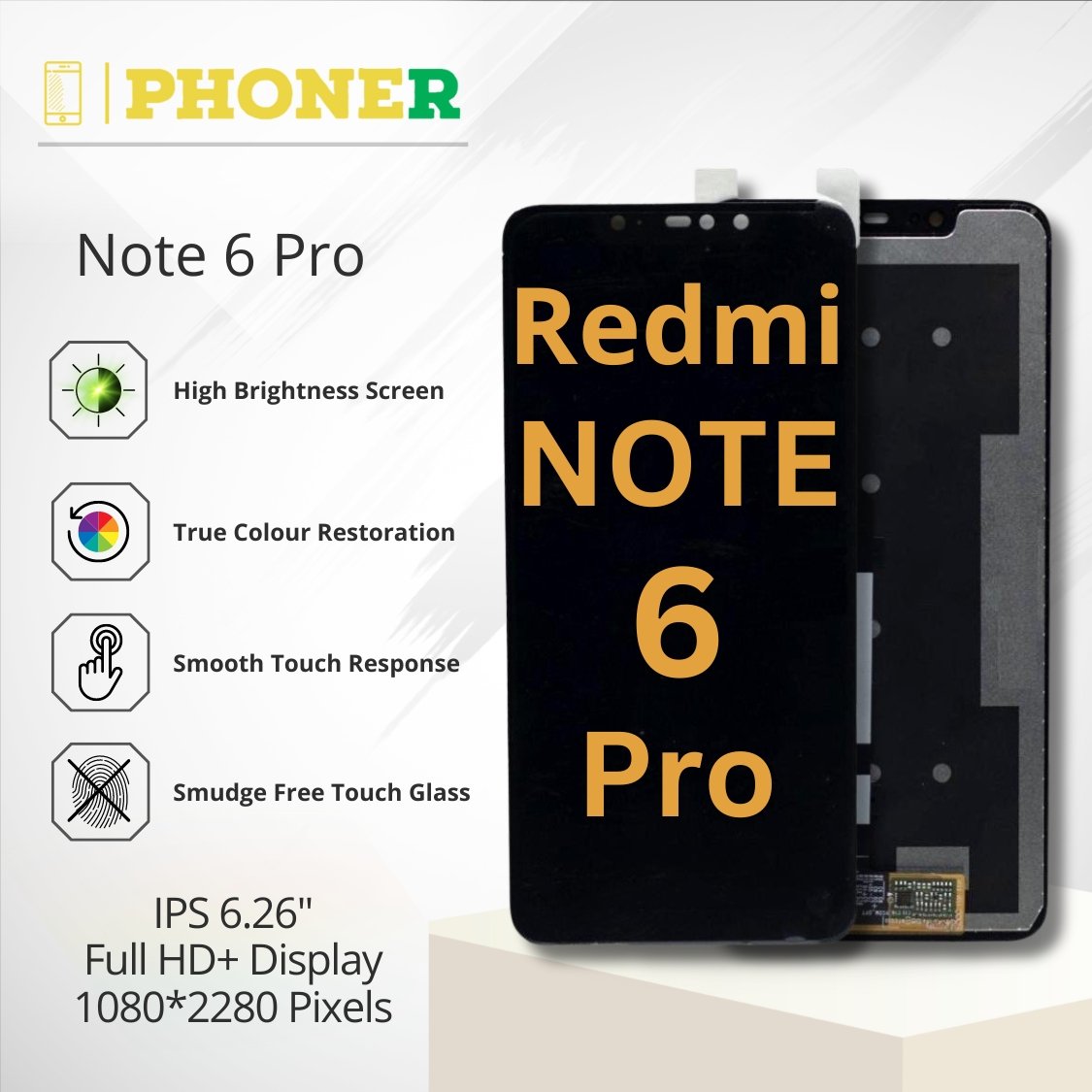
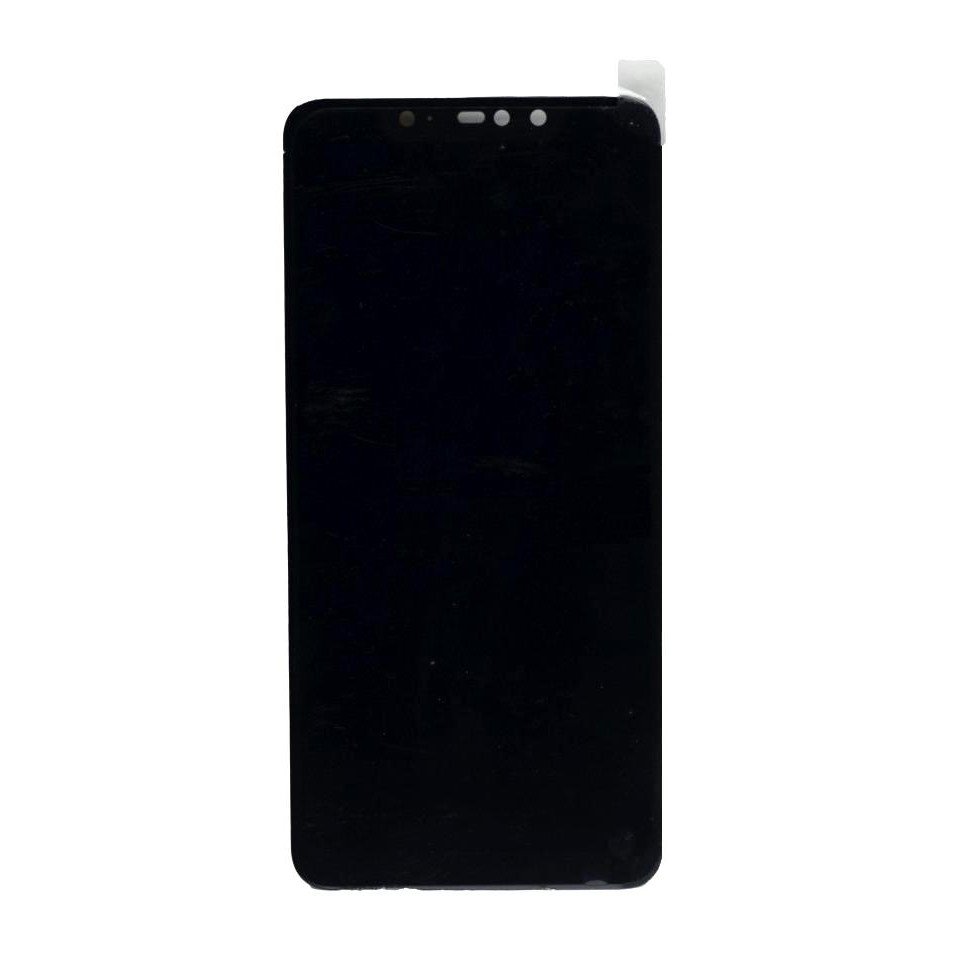
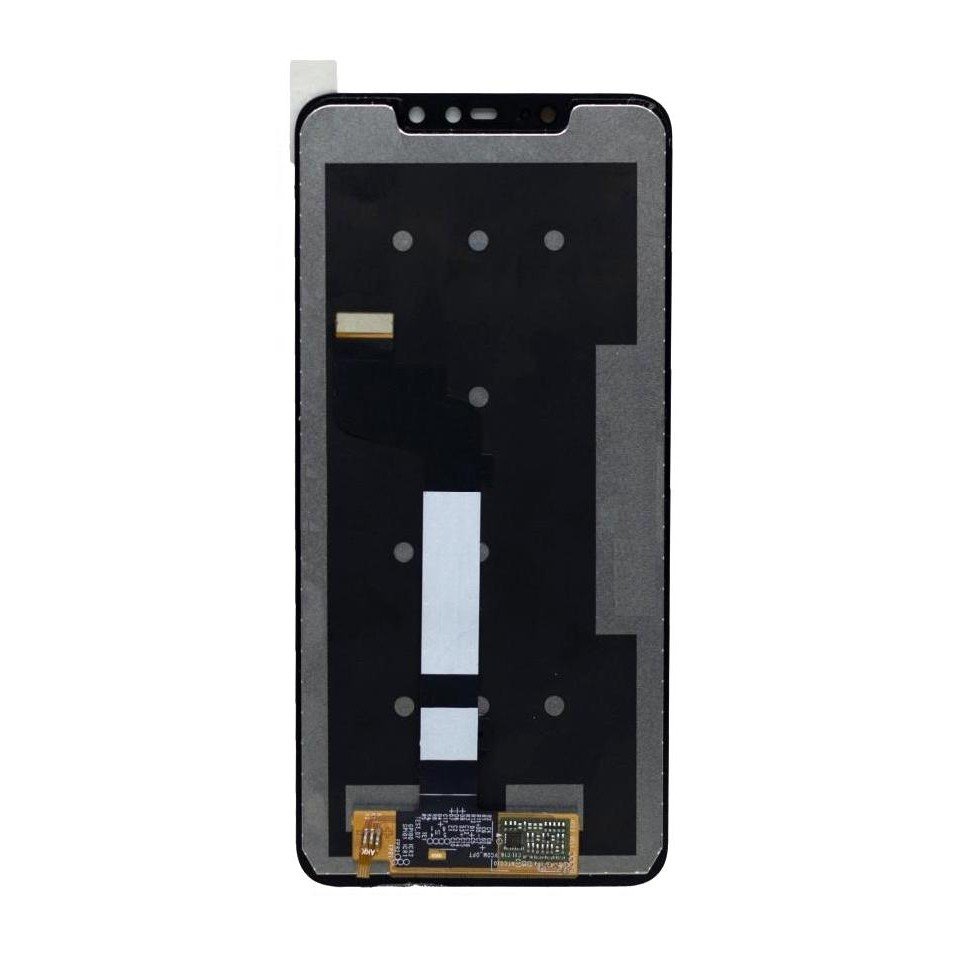
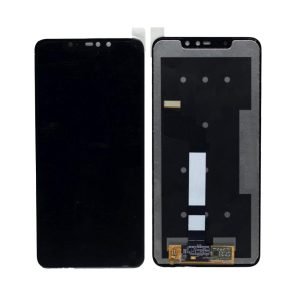
The Mi Redmi Note 6 Pro LCD Display Folder is an integral part of mobile repairs, specifically engineered to optimize visual clarity, durability, and overall display quality. Let’s delve into the details of this essential spare part.
Importance of Genuine Spare Parts
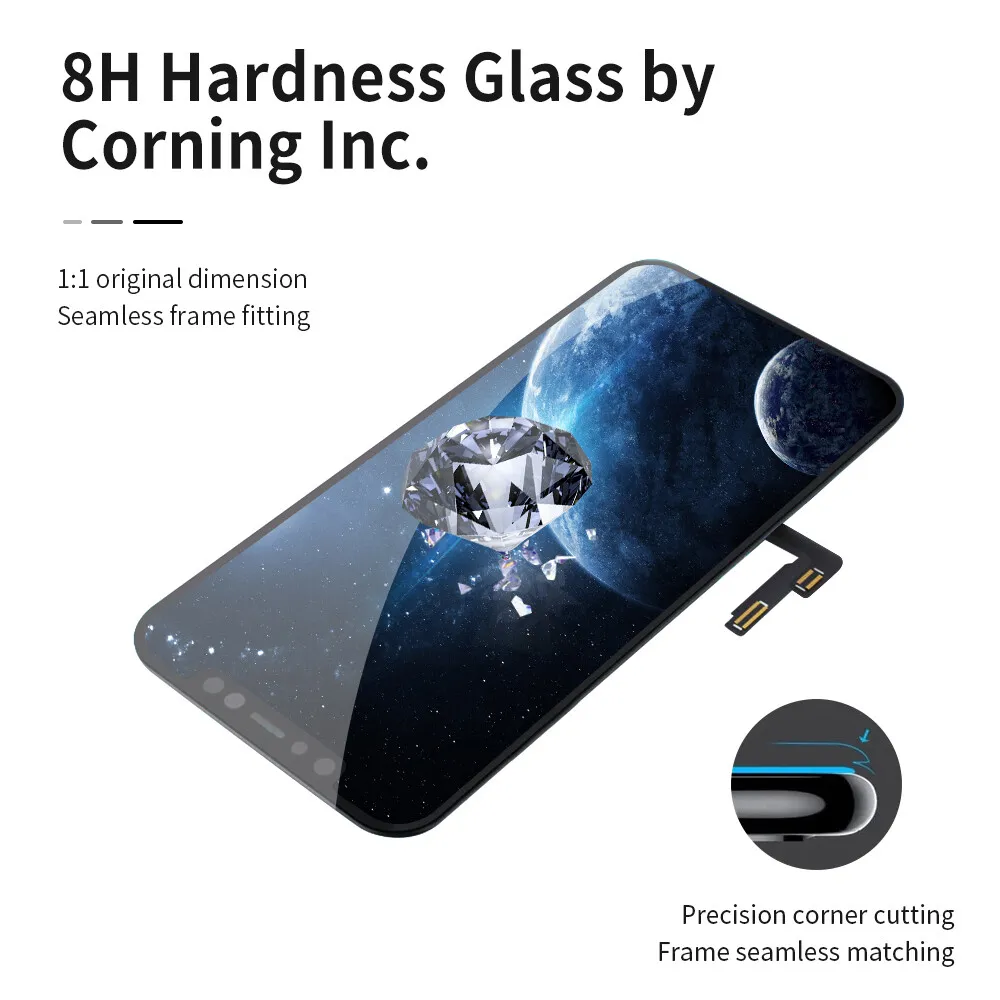
In the realm of mobile repairs, authenticity is paramount. The Mi Redmi Note 6 Pro LCD Display Folder distinguishes itself as a genuine spare part adhering to the highest standards. Engineered for seamless integration, it guarantees optimal performance, reliability, and an extended lifespan.
Features of the Mi Redmi Note 6 Pro LCD Display Folder
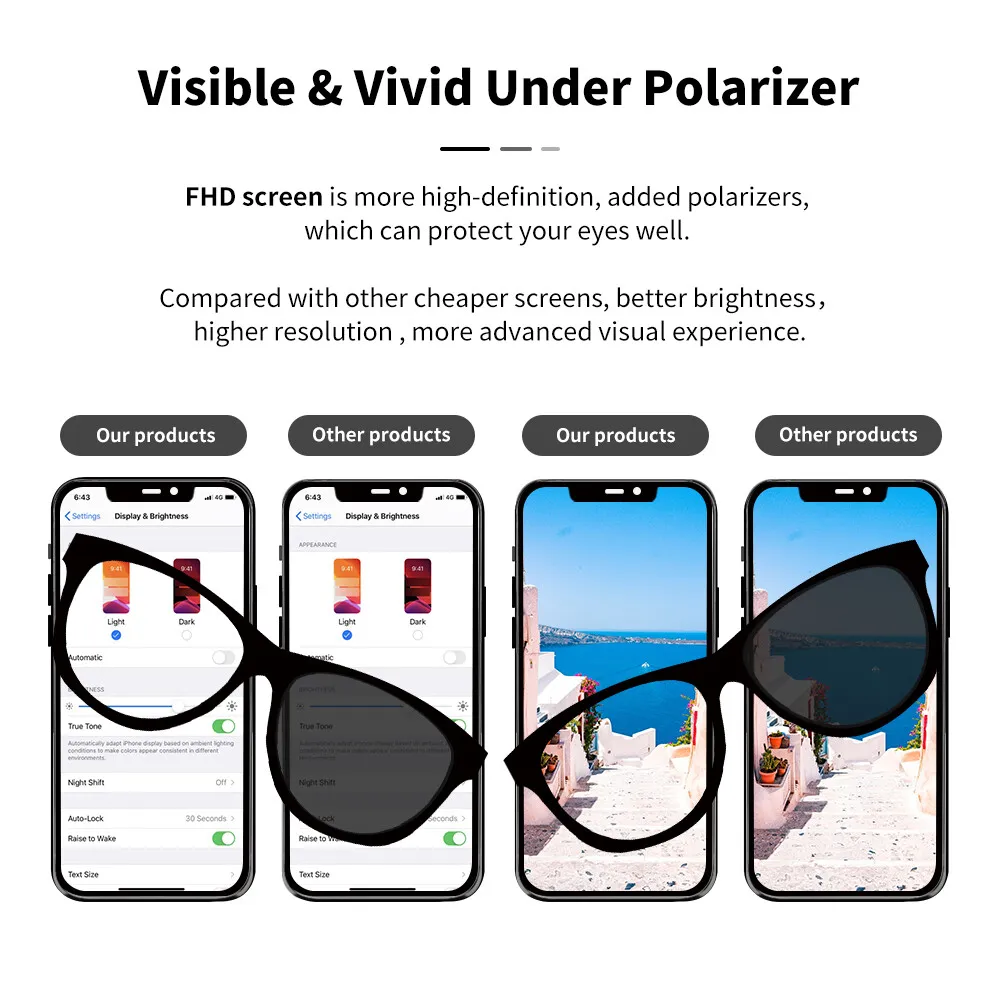
- Enhanced Visuals: Enjoy a vibrant and clear visual experience, elevating your smartphone usage.
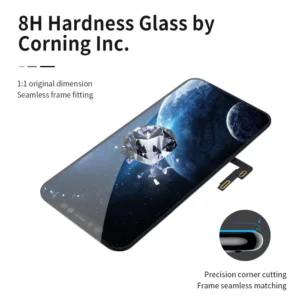
- Durability: Crafted to withstand daily wear and tear, ensuring longevity and reliability.
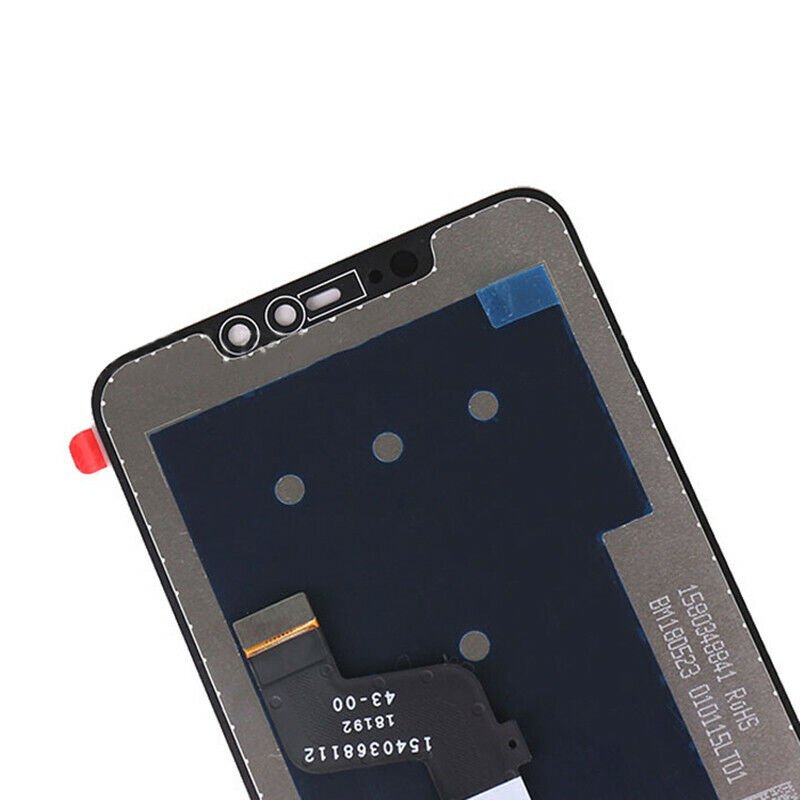
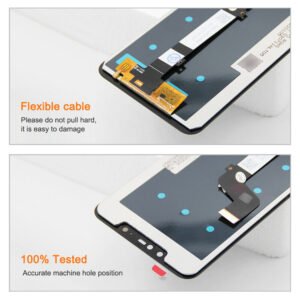
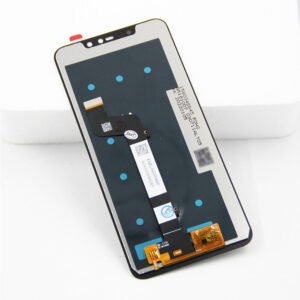
- Precise Fit: Tailored to fit the Redmi Note 6 Pro seamlessly, facilitating a hassle-free installation process.
Why Opt for Phoner.in
Discover why Phoner.in is your preferred choice for the Mi Redmi Note 6 Pro LCD Display Folder:
Quality Assurance
Phoner.in prioritizes quality, ensuring that every product, including the Mi Redmi Note 6 Pro LCD Display Folder, meets stringent standards. Expect top-notch quality for an enhanced mobile viewing experience.
Diverse Selection
Explore our extensive range of mobile spare parts suitable for both professionals and DIY enthusiasts. Phoner.in offers the components you need for a successful repair and an improved visual experience.
Swift and Secure Shipping
Receive your Mi Redmi Note 6 Pro LCD Display Folder promptly and securely with our reliable shipping services. We understand the urgency of your repairs and strive to deliver orders with speed, efficiency, and utmost care.
Step-by-Step Replacement Guide
Let us guide you through the step-by-step process of replacing the Mi Redmi Note 6 Pro LCD Display Folder, ensuring a successful repair and an enhanced visual experience.
Step 1: Gather Your Tools
Before you start, make sure you have all the necessary tools, including screwdrivers, prying tools, and a clean workspace.
Step 2: Power Off Your Device
Turn off your Redmi Note 6 Pro to ensure safety during the replacement process.
Step 3: Remove the Back Cover
Use a prying tool to carefully remove the back cover of your Redmi Note 6 Pro.
Step 4: Disconnect the Battery
Prevent electrical mishaps by disconnecting the battery from the motherboard.
Step 5: Unscrew and Remove the Old Display Folder
Utilize the appropriate screwdrivers to carefully unscrew and remove the old Mi Redmi Note 6 Pro LCD Display Folder.
Step 6: Install the New Display Folder
Align the new Mi Redmi Note 6 Pro LCD Display Folder precisely and secure it in place.
Step 7: Reassemble Your Device
Follow the steps in reverse to reassemble your Redmi Note 6 Pro, ensuring each component is securely in place.
Frequently Asked Questions
Addressing common queries about the Mi Redmi Note 6 Pro LCD Display Folder:
Q1: Compatibility with Other Redmi Models
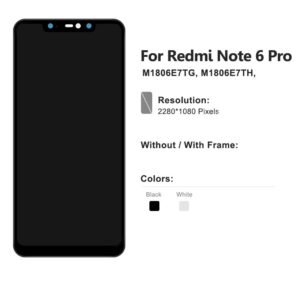
A1: The Mi Redmi Note 6 Pro LCD Display Folder is exclusively designed for the Redmi Note 6 Pro model.
Q2: Ensuring Authenticity
A2: Trust Phoner.in for genuine Mi Redmi Note 6 Pro LCD Display Folders. We prioritize authenticity for customer satisfaction.
Q3: Troubleshooting Installation Difficulties
A3: Contact our customer support team for assistance. We’re here to guide you through any challenges during the installation process.
Conclusion
The Mi Redmi Note 6 Pro LCD Display Folder from Phoner.in is your gateway to an enhanced visual experience on your Redmi Note 6 Pro smartphone. With features like enhanced visuals, durability, and a precise fit, this spare part ensures an unparalleled visual journey for your Redmi Note 6 Pro. Trust Phoner.in for genuine spare parts, and elevate your mobile repairing experience today. Explore our diverse selection, experience swift and secure shipping, and discover the best in mobile spare parts at Phoner.in. Upgrade your Redmi Note 6 Pro now!
Click here for Mi Redmi Note 6 Pro Mobile Specification
Click here for Mi Redmi Note 5 Pro Lcd Display Folder