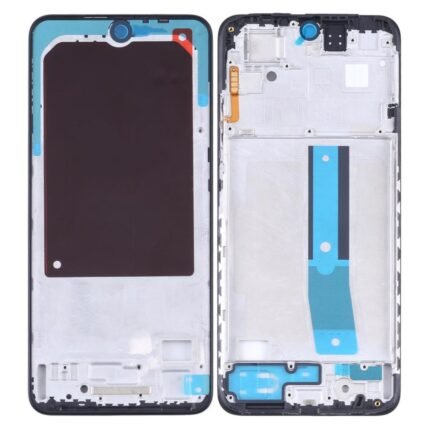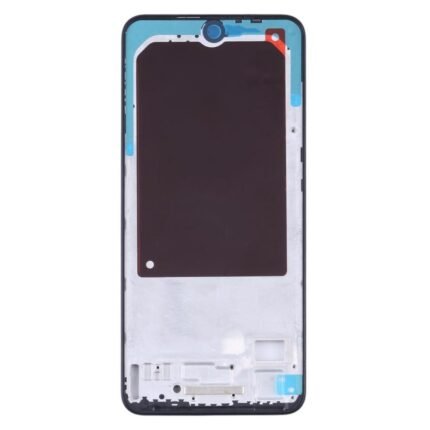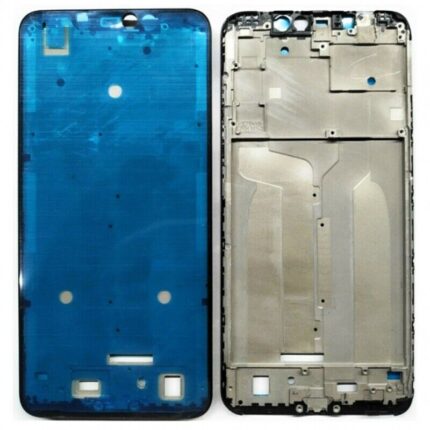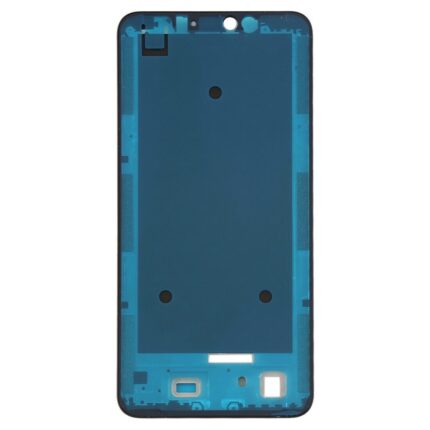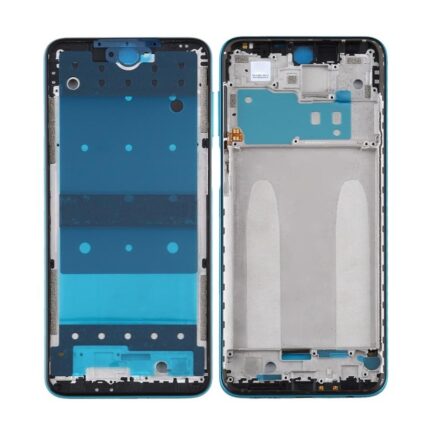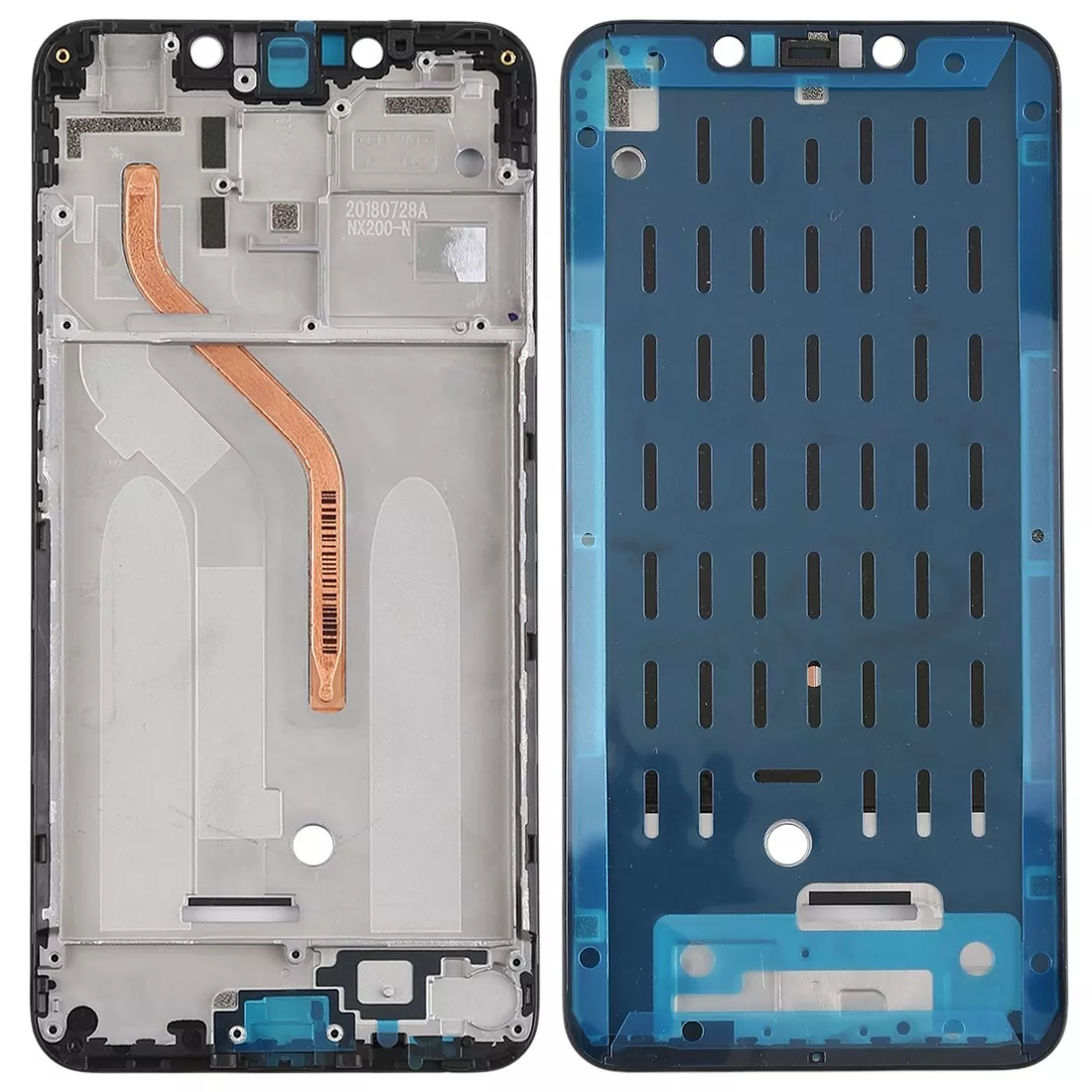
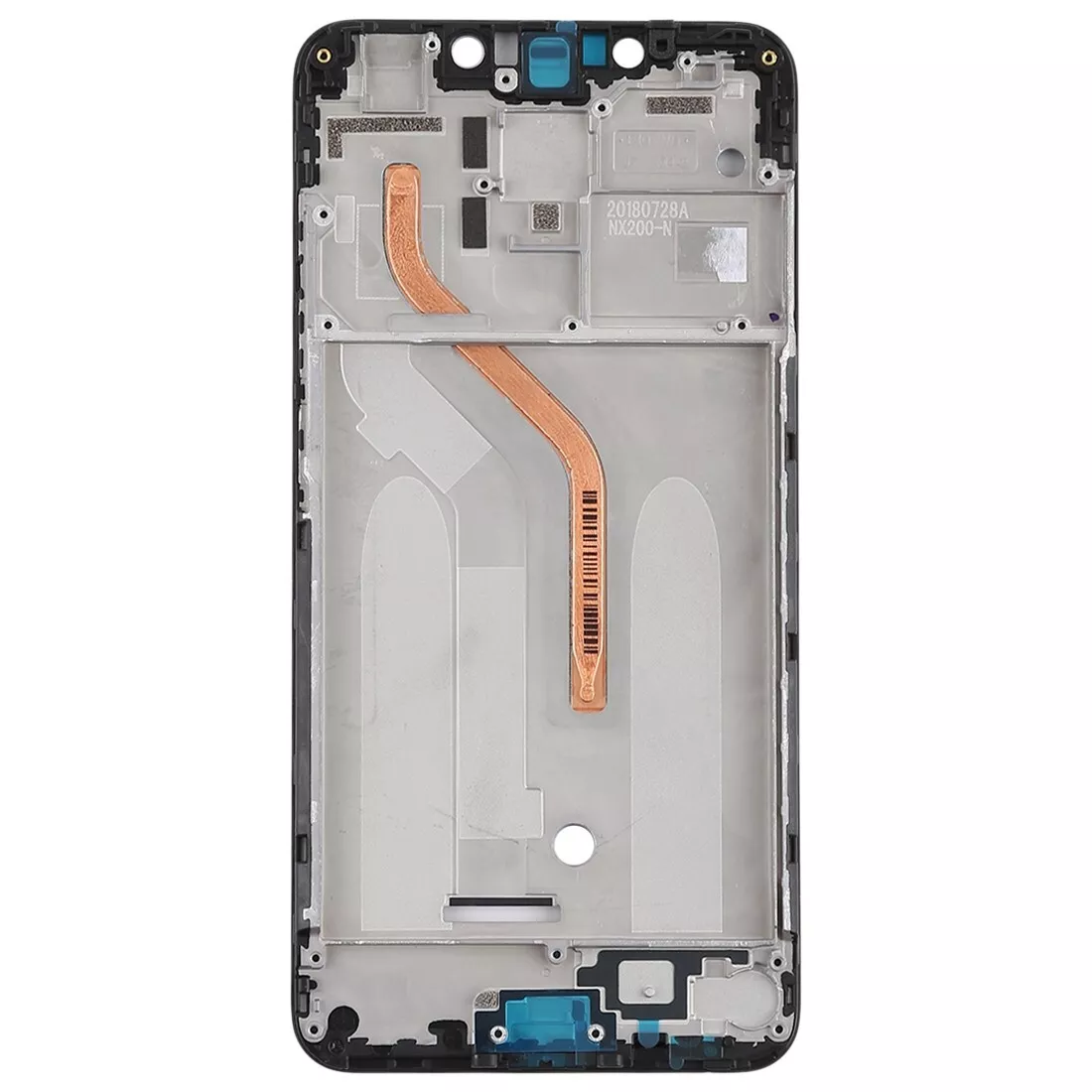
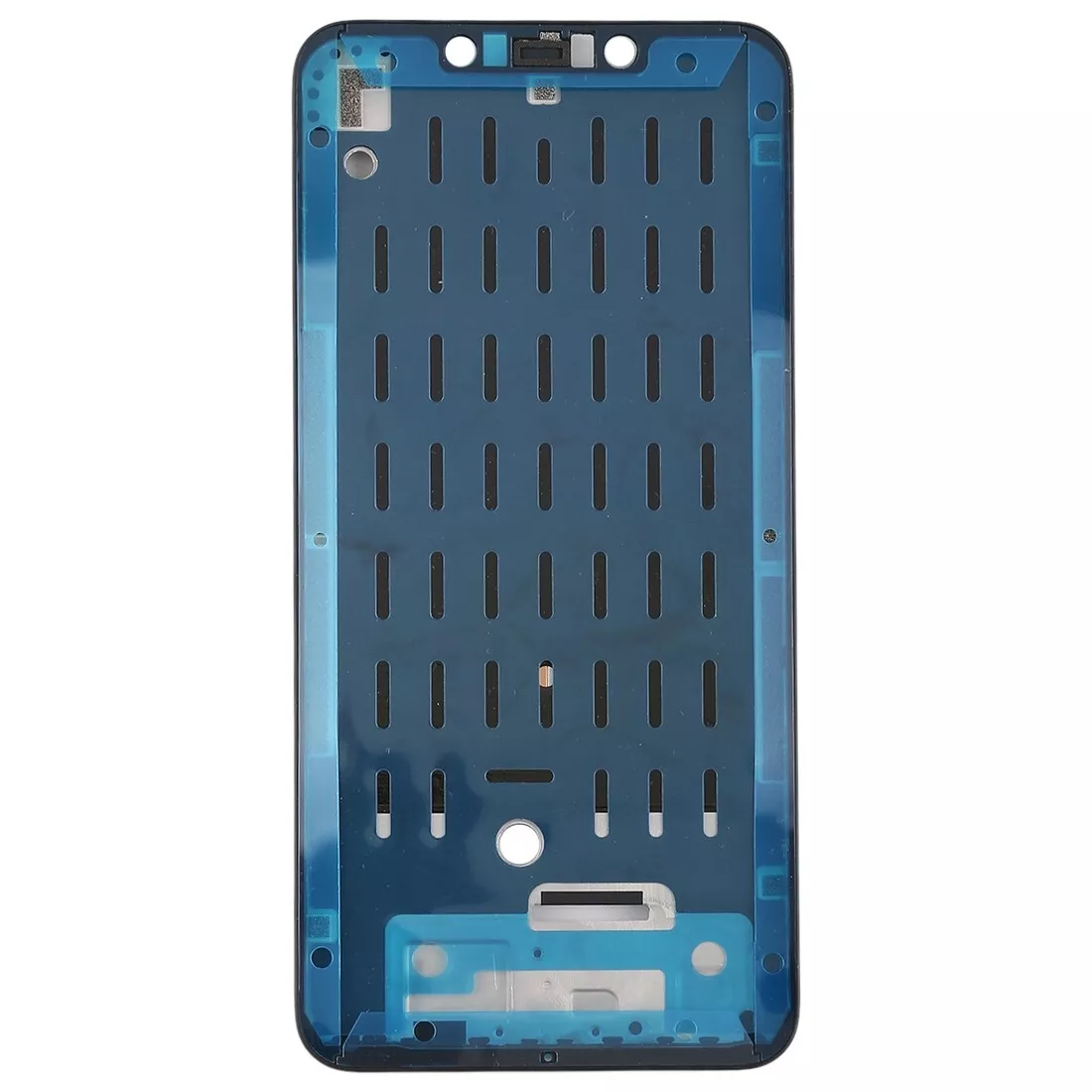
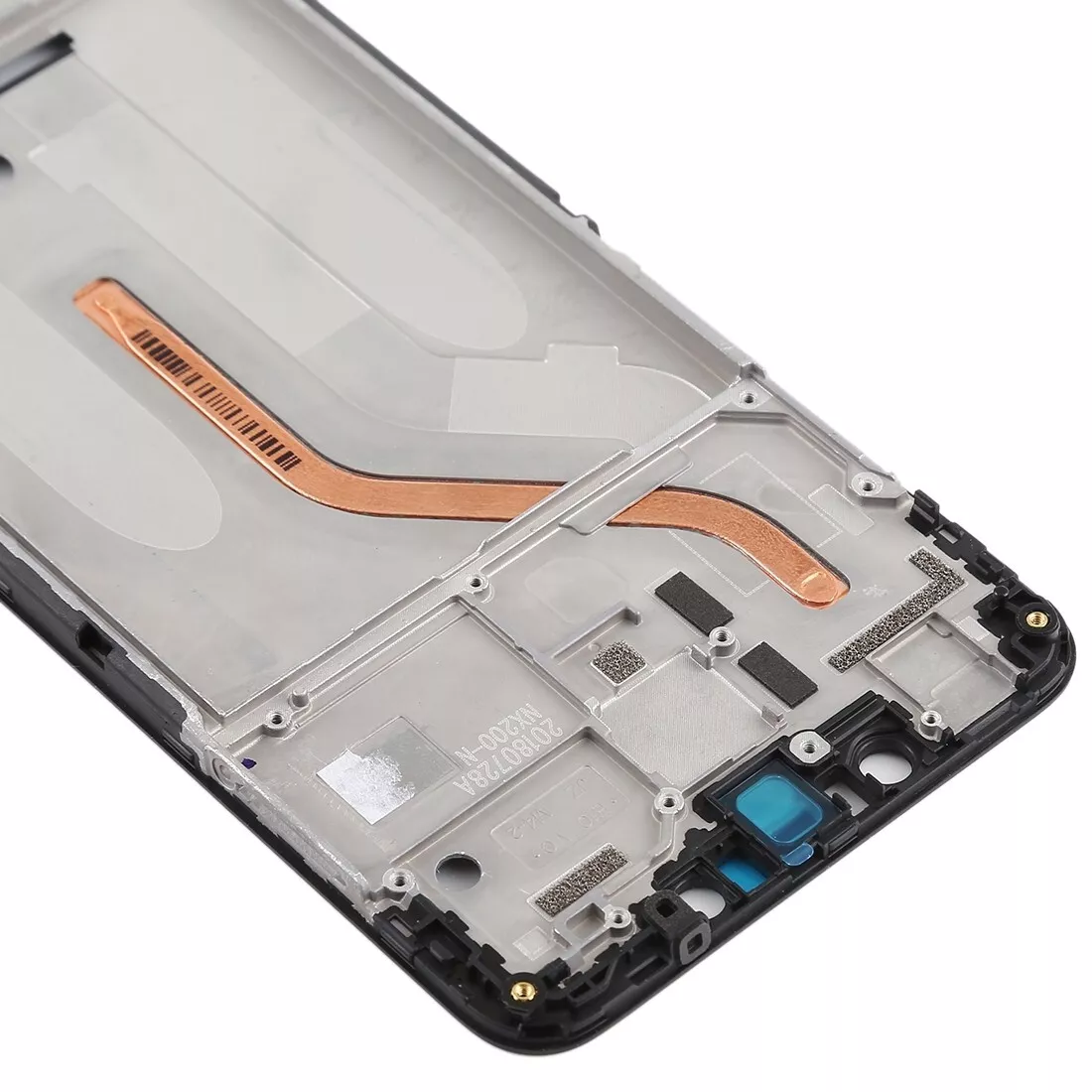
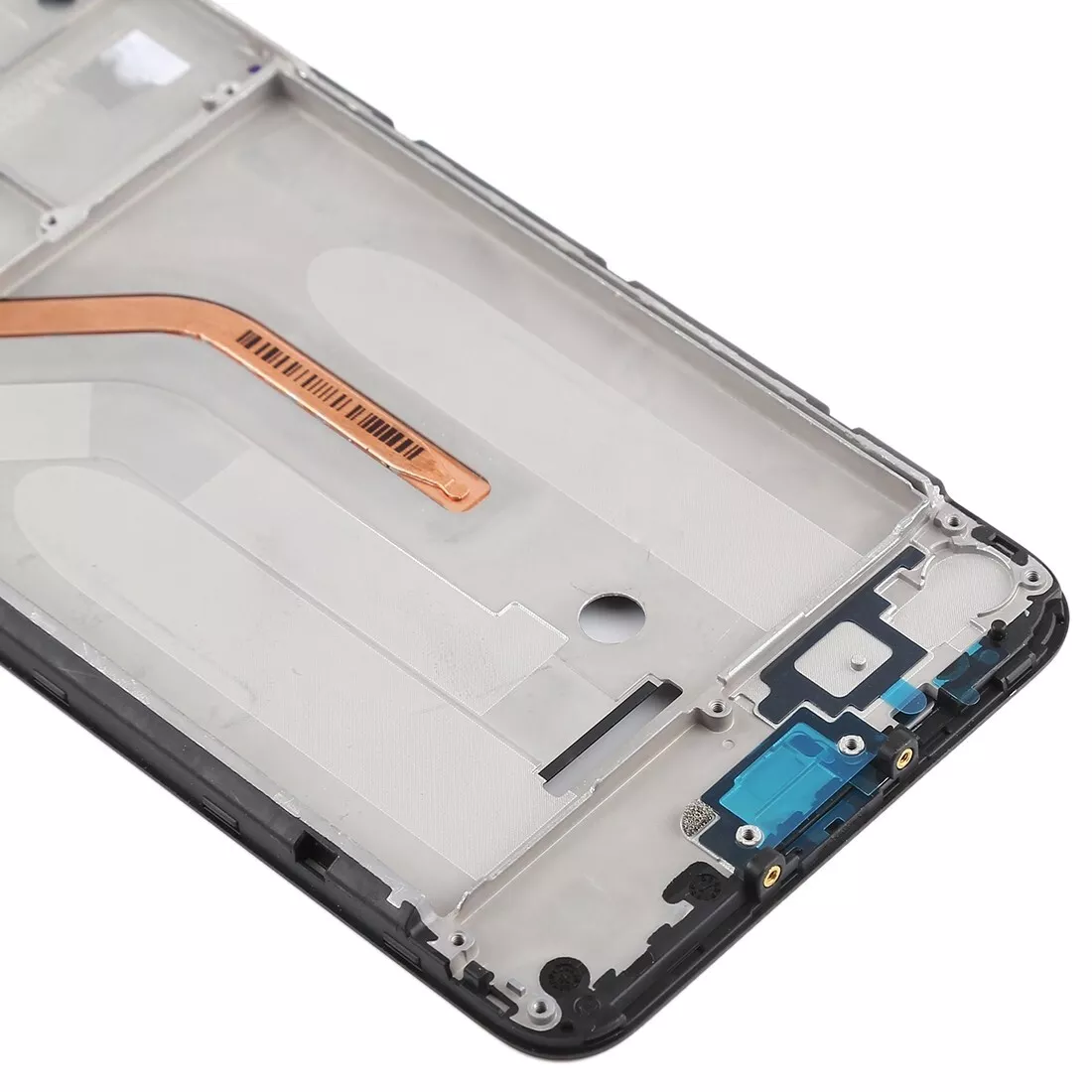
LCD Middle Frame for Poco F1 - Upgrade Your Device with Premium Quality - Cash On Delivery
₹349.00
Key Highlights
- Performs as Original
- Superfine Lcd Installation
- High Strength
- Smooth Finishing
₹349.00
Key Highlights
₹349.00
Key Highlights

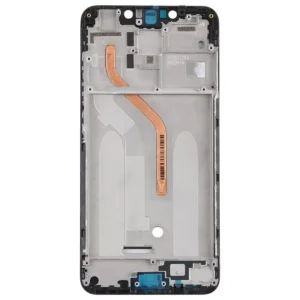
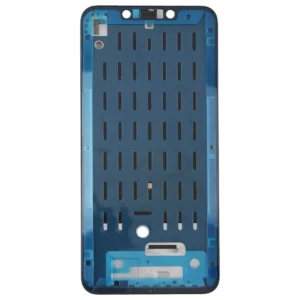
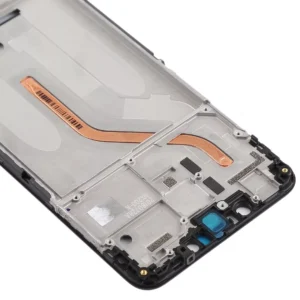
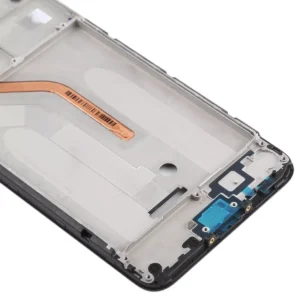
The LCD Middle Frame for Poco F1 is the perfect solution for anyone looking to replace a damaged or worn-out frame on their device. This high-quality replacement part not only restores the structural integrity of your Poco F1 but also enhances its overall durability and aesthetic appeal. Available on phoner.in, our LCD Middle Frame comes with a six-month guarantee, ensuring peace of mind and long-lasting performance.
Choosing the right replacement part is crucial for maintaining your device’s performance and longevity. Here are the top reasons to select the LCD Middle Frame for Poco F1:
The middle frame of your Poco F1 plays a critical role in maintaining the device’s structural integrity and protecting its internal components. A damaged or inferior frame can lead to various issues, such as misalignment, internal damage, and reduced device lifespan. The LCD Middle Frame for Poco F1 addresses these concerns by providing a robust and reliable replacement, ensuring your device remains in optimal condition.
Superior Durability: Constructed from high-quality materials, this frame is designed to withstand daily use and accidental drops, providing lasting protection for your device.
Improved Aesthetics: Replacing a damaged frame with a new one enhances the appearance of your Poco F1, making it look as good as new.
Cost-Effective Solution: Opting for a frame replacement is a cost-effective alternative to buying a new device, extending the life of your Poco F1.
Replacing the middle frame might seem daunting, but with the right tools and instructions, it can be done efficiently. Follow these steps for a successful installation:
By following these steps, you can ensure a smooth and effective replacement, restoring your device to its optimal condition.
John Doe: “The LCD Middle Frame for Poco F1 is fantastic. The quality is superior, and the installation was easier than I expected. My phone looks brand new again!”
Jane Smith: “I was hesitant to replace the frame myself, but the detailed instructions made it simple. The new frame fits perfectly and provides excellent protection. Highly recommend!”
We stand by the quality of our products. The LCD Middle Frame for Poco F1 comes with a six-month guarantee, covering any manufacturing defects and giving you confidence in your purchase. Our dedicated customer support team is always ready to assist with any concerns you may have.
Upgrading to the LCD Middle Frame for Poco F1 not only enhances the appearance of your device but also ensures its optimal performance. A sturdy, well-fitted middle frame protects internal components, reducing the risk of damage and malfunction.
Structural Support: The LCD Middle Frame for Poco F1 provides essential structural support, preventing warping and bending.
Protection from Damage: It shields internal components from dust, moisture, and impacts, which can cause significant damage over time.
Maintains Screen Alignment: Ensuring the LCD screen remains properly aligned, the middle frame helps prevent display issues and ensures optimal performance.
Warping and Bending: Over time, the original frame may warp or bend, causing misalignment of internal components. The new LCD Middle Frame for Poco F1 offers a sturdy replacement, restoring structural integrity.
Cracks and Breaks: Accidental drops can crack or break the frame, exposing internal components to damage. Replacing it with a new frame ensures your device is well-protected.
Loose Fitting: A worn-out frame may no longer fit snugly, causing parts to become loose. The new frame provides a perfect fit, securing all components in place.
Quality Assurance: All our products are thoroughly tested to meet the highest standards of quality and performance.
Competitive Prices: We offer the best prices for high-quality mobile spare parts.
Fast Shipping: Get your replacement parts quickly with our efficient shipping options.
Excellent Customer Service: Our team is dedicated to providing you with the best shopping experience.
The LCD Middle Frame for Poco F1 is an essential replacement part that ensures your device remains in excellent condition. With its high-quality construction, perfect compatibility, and enhanced protection, it offers the best solution for repairing your Poco F1. Available at phoner.in with a six-month guarantee, it provides peace of mind and exceptional value. Upgrade your device today and enjoy improved performance and aesthetics with the LCD Middle Frame for Poco F1.
Click Here For Poco F1 Mobile Specification
Click Here For Poco F1 Lcd Display Folder
No account yet?
Create an Account