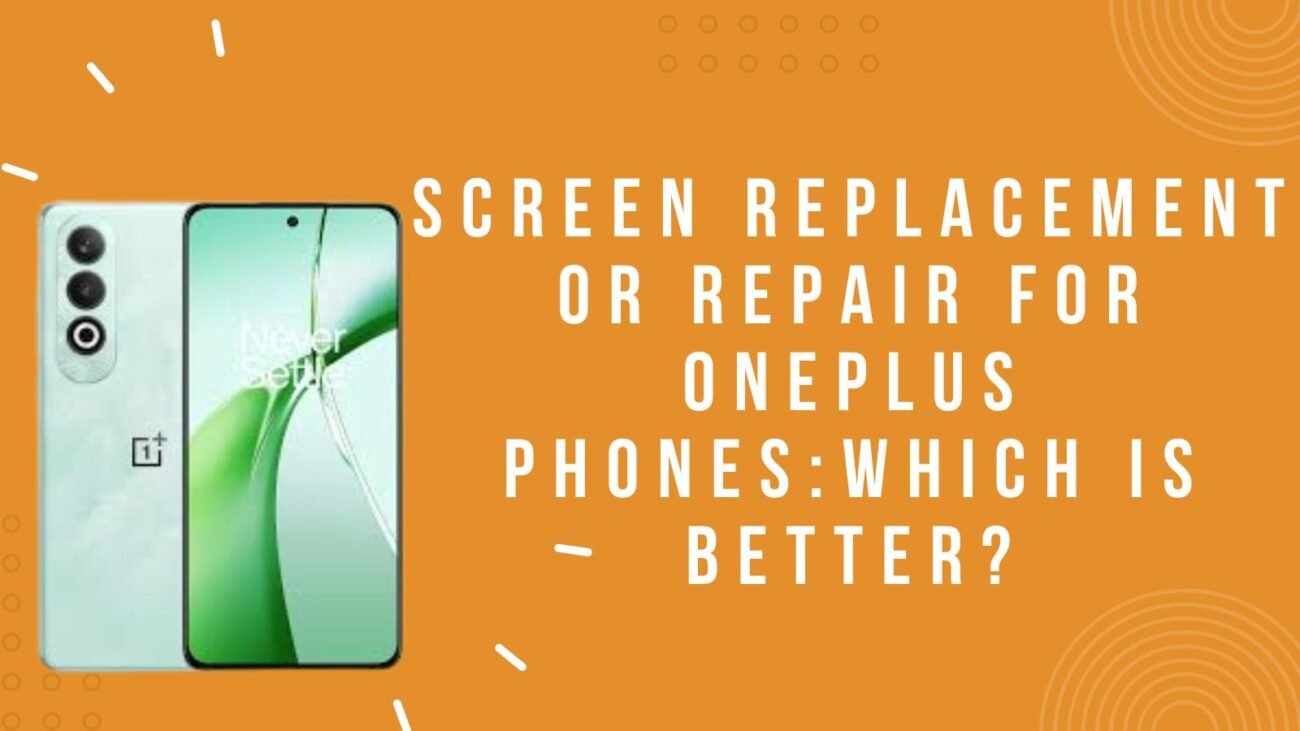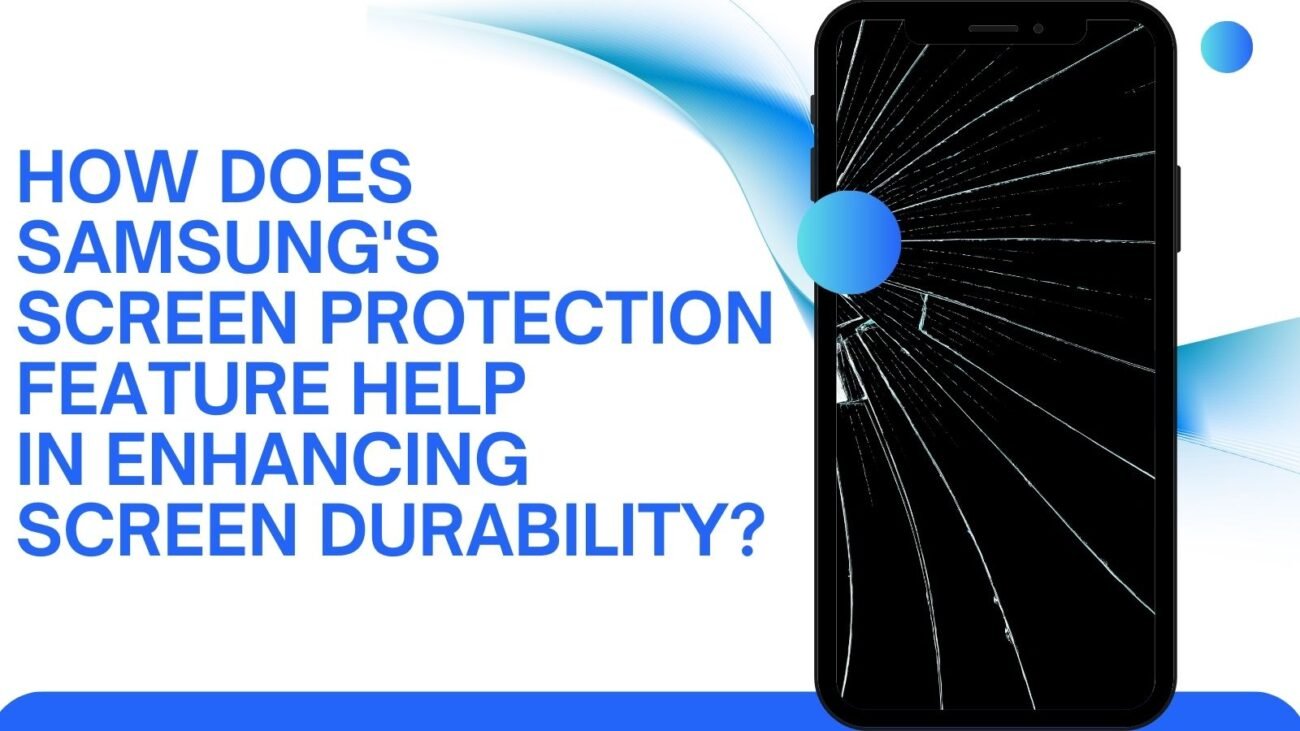
While purchasing the OnePlus mobile phone, you might have had several dreams. It is undoubtedly a brilliant phone with a smooth user experience. However, if your phone’s screen stops working suddenly, it can hit you like a nightmare.
Like other phones, you can get OnePlus phone spare parts online in India and get the touch screen replaced easily. There have been several complaints about the phone’s touchscreen not working. Before taking it to the stores to replace the screen, here are a few smart hacks that you can try to make your OnePlus phone screen start working.
What should you do if the OnePlus phone screen stops working?
Step 1: Restart the phone
The most common trick is to restart the phone with the power button present on the side of the phone. Sometimes, the phone might hang up due to battery drainage or excessive usage; under such situations, restarting the phone is a convenient option to get the screen back to its working condition.
Step 2: Remove the screen guard
You can also remove the screen guard and check the phone’s screen. Sometimes, the touch screen starts to act erratically because of damage to the screen guard. Removing the same will solve your problem.
Step 3: Update and remove unnecessary apps
Another smart hack you can try is to check, update, and remove the apps from your phone. Sometimes, a specific app might be the cause of the problem. Getting rid of the same will solve your problem instantly. The process is simple: go to the Google Play Store and complete the pending updates. This will also improve the performance of the phone’s OS system.
Step 4: Hard reset your device
If nothing seems to work before you buy the OnePlus phone spare parts online in India, try hard resetting the phone once. This is easy. You have to hold the power and volume buttons and force the device to shut down.
Step 5: Clear the cache
Finally, you can try it out by clearing the cache, as it tends to slow down your phone. This includes removing redundant files, archived photos, unused screenshots and videos. Also, get rid of outdated apps so that the phone becomes fast. If you’re looking for OnePlus phone spare parts online India, then get in touch with PhoneR. We have original phone spare parts of all brands and models. To know more, contact us and check out our website for different types of spare parts.