Smartphones nowadays are not prone to sudden damage. However, touchscreens are vulnerable and can sometimes be damaged without proper care. Although scratch-resistant technology is a boon for mobile screens, if you mishandle your phones, there’s a high probability that the screen will get damaged. A minor scratch can be dealt with. However, at times, the damage is beyond repair. Under such circumstances, replacement is the only option left. You can search mobile phone spare parts online for the touchscreen that suits your new model. Did you buy a new phone lately? Here are a few precautions you can take to avoid accidental cracks on your new phone screen.
How do you protect the touch screen of a phone?
Check before placing screens
Make sure you place the screens appropriately. For instance, exposing the screen to sunlight or placing it flat on a hard surface will damage the phone’s screen. Although the sun will not burn the screen, it will become sensitive when exposed for a prolonged period.
Clean carefully
You are not supposed to clean the touchscreens using detergent or things like that. They are meant to be cleaned only sometimes. Also, do not use water to clean the touchscreen, as this will damage it. Use a soft cloth or a wet wipe to clean the same. This will prevent the screen from scratching.
Use screen protectors
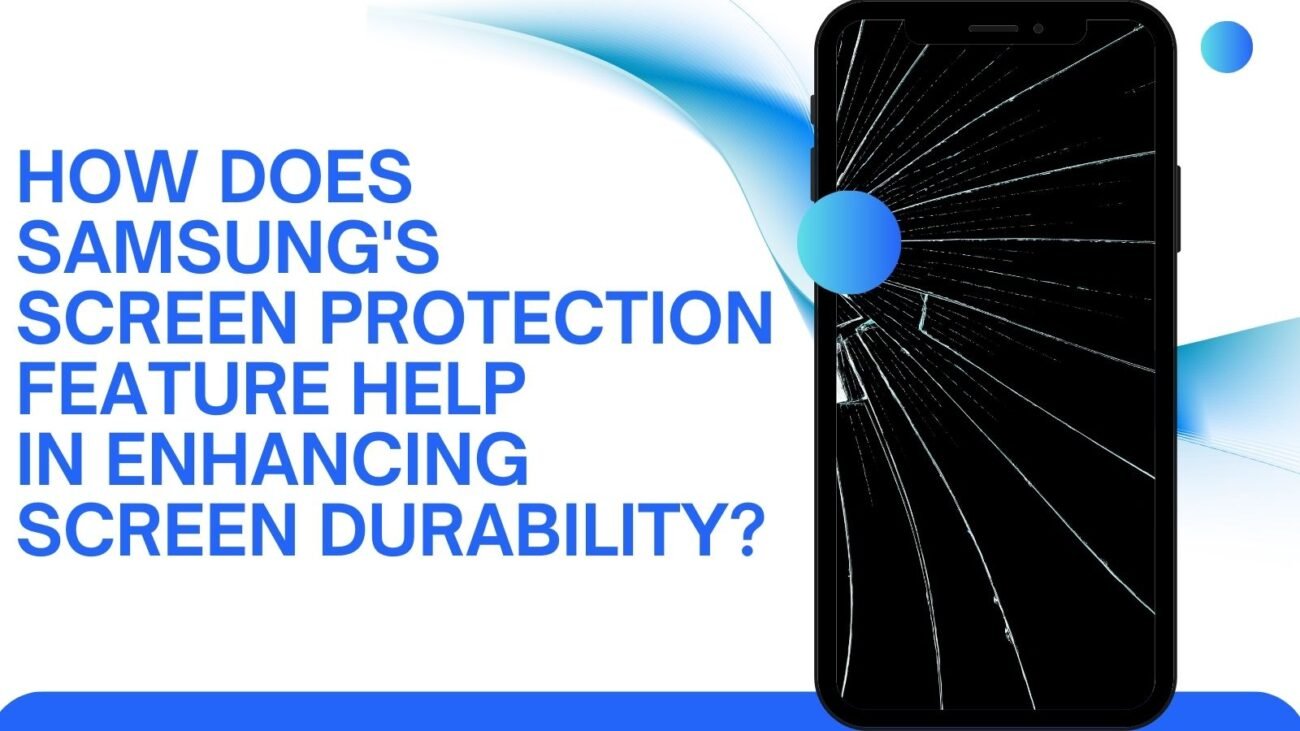
The best way to protect the screens of the smartphone is by using a phone cover or a screen protector. When you go to the shop to purchase a new phone, get the screen protector along with the same. Although the initial expense might seem high, this can save you money on replacement costs.
Use screen responsibly
Touchscreens, as the name suggests, are meant to function with the touch of fingers and nothing else. So, while using your phone, be responsible. Do not use a stylus or any other medium or accessory to operate the phone’s screen. This might damage the screen beyond repair. If the screen suddenly stops working, there are some problems with the OS system. Do not tap or press the screen continuously. This might damage the same.
Contact PhoneR, the hub of mobile spare parts, for the best-selling mobile accessories. We store all types of phone spare parts with 100% satisfaction guaranteed. To know more, get in touch.